
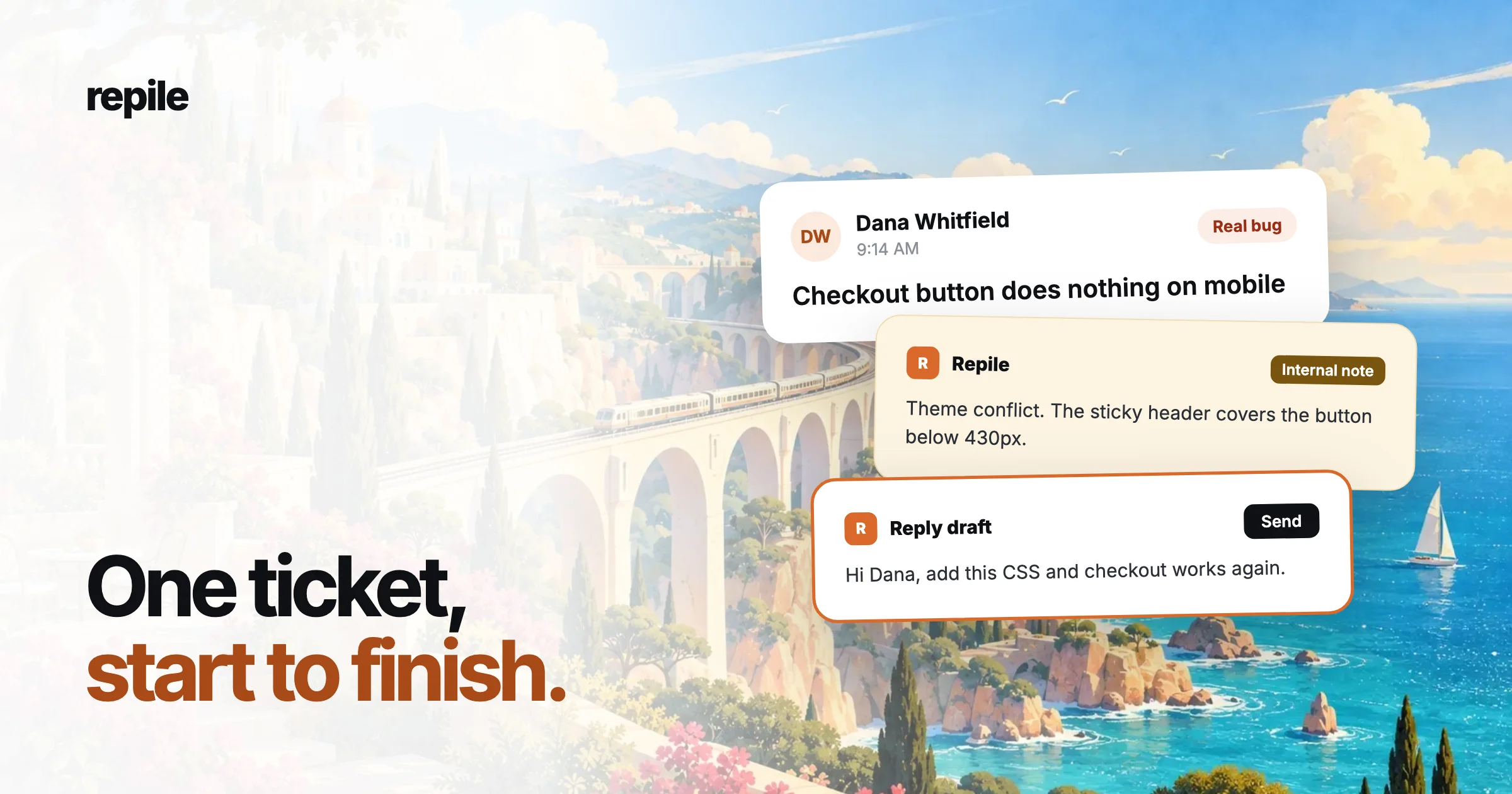
At 9:14 AM, Dana from Northwind Bakery writes in: "Since this morning the Place order button does nothing on phones. Desktop is fine. We are losing orders." This is what happens next.
1. Repile reads and sorts the ticket
The ticket arrives through your helpdesk's webhook. Repile reads it next to the instructions you wrote for this product and its memory of past tickets.
It labels the ticket a real bug. A setup question would get an answer from your instructions. A duplicate would be linked to the first ticket. Spam and thank-you replies start no work at all.
For a real bug, the label is only the first step. Repile writes a plan: check the plugin version, copy the site, try the steps on a phone, then read the code.
2. It copies the site into a sandbox
Many plugin bugs only show up on the customer's exact mix of versions, theme and plugins. So Repile copies the site into a private sandbox with the same WordPress version, PHP version, theme and plugins. The customer's live site is never touched.
3. It follows the customer's steps
Repile opens the shop on an iPhone 14 screen, adds a cake to the cart and taps Place order. Nothing happens, just like Dana said. It keeps the screenshots and a recording as evidence.
The screenshots show why: the theme's sticky header sits on top of the button on narrow screens. The tap lands on the header, not the button.
4. It finds the line
Repile checks out the plugin version Dana has installed and reads the code. The checkout handler is fine. The cause is one rule in the theme's CSS that pins the header over the button.
So the verdict is "their theme", not "our bug". Repile says which file and which line, so your team can check it in seconds.
5. It leaves a note and a draft
In the ticket, Repile leaves an internal note with the verdict, the evidence and the file and line. Next to it is a reply draft for Dana, with the CSS fix she can paste in.
Dana sees neither of these. Nothing reaches her until someone on your team reads the draft, edits what they want, and presses send in the helpdesk.
6. The case stays current
A case file sits next to the ticket with the problem, the cause and the next step. If Dana replies later, someone can tag @Repile in a note, and it looks again in the same ticket.
That is the whole loop. The investigation happens before anyone opens the ticket, and a person still decides what the customer gets.