
A good bug report template for a WordPress plugin asks for five things: the plugin version, the WordPress and PHP versions, the active theme, the steps, and what happened instead. Below is a template you can paste into a saved reply or a form, a second one for the bug report your developers receive, and the reason behind every field.
Most bug report templates are written for QA testers filing tickets in Jira. They ask for severity, build numbers and console logs.
Your customers are not testers. They run a bakery, a membership site or a client's shop, and they just want the form to work again.
Why a generic bug report template fails on plugin tickets
The usual template asks for "environment: OS, browser, version". On a WordPress site, the environment that matters is somewhere else.
A plugin bug usually depends on the plugin version, the WordPress version, the PHP version, the theme, and the other plugins on the site. A customer who fills in "Chrome on Windows" has answered the question correctly and told you almost nothing.
The other problem is tone. A form full of fields like "severity" and "expected result" reads like homework.
So the template below asks the same things in the customer's words, and it keeps the technical part to one copy and paste.
The template to send your customers
Use this as a saved reply in your helpdesk, or turn each line into a field on your support form. The example uses Formwise, the plugin from the rest of this site.
To help us find this quickly, please send us:

1. What you were trying to do.
   Example: "Submit the order form on the Contact page."

2. What happened instead.
   Example: "The button spins and nothing is sent."

3. The steps, starting from a page we can open.
   Include the page address if the site is public.

4. When it started.
   Was it after an update, a new plugin, or a theme change?

5. Your site details.
   Go to Tools > Site Health > Info, click
   "Copy site info to clipboard", and paste it here.

6. A screenshot or short screen recording, if you can.
That is the whole template. Six questions, and only one of them needs the WordPress dashboard.
Why each field is there
What you were trying to do. This separates a bug from a misunderstanding. Many "bugs" are a setting the customer expected to work differently.
What happened instead. "It doesn't work" can mean an error, a blank page, or an email that never arrives. Each one points to a different part of your code.
The steps, from a page you can open. A public URL lets you see the problem in seconds. Asking customers to start from a page also stops them skipping the step that matters.
When it started. This is the most underrated question on any plugin ticket. "Right after I updated to 3.4.2" narrows the search to one release.
Site details from Site Health. WordPress has had this screen since version 5.2. One click copies the WordPress version, PHP version, active theme and every active plugin with its version, which is everything the "environment" field was trying to get.
A screenshot or recording. It shows the error message word for word, and it often shows things the customer did not think to mention, like a second notice from another plugin.
What to leave out of a customer bug report form
Every extra field lowers the chance that the customer answers all of them. These can go:
- Severity and priority. Customers rate everything as urgent. Decide it yourself from the answers.
- Browser and operating system, unless the bug is visual. Ask for them later on the tickets that need them.
- Debug logs. Most customers cannot reach them. Ask only when you see a fatal error, and tell them exactly where to look.
- Admin logins. Never ask for passwords in a form or a public forum thread. If you need access, use your own secure process.
A shorter version for the WordPress.org forum
Forum threads are public, so the template has to be safe to answer in public. Drop the page address unless the customer offers it, and ask for less.
Thanks for the report. Could you tell us:

1. Your Formwise version.
2. Your active theme.
3. The steps to see the problem.

If you are comfortable sharing it, the Site Health info
(Tools > Site Health > Info) helps too. Remove anything
you would rather keep private before posting.
The bug report template for your developers
When support confirms a bug, the report changes hands. The developer needs something different from what the customer sent.
The customer's message is evidence. The developer's report is a conclusion: what is broken, where, and how to see it.
Here is a template for a GitHub issue. On GitHub you can save it as .github/ISSUE_TEMPLATE/bug_report.md in the plugin's repository, so every new issue starts with it.
## Summary
Entries are lost on reload in Safari when "Save progress" is on.

## Affected version
Formwise 3.4.2. Not seen in 3.4.1.

## Environment
WordPress 6.6, PHP 8.3, theme: Harbor 2.1.
Full Site Health info is linked in the ticket.

## Steps to reproduce
1. Turn on Formwise > Settings > Save progress.
2. Open a form in Safari and fill in two fields.
3. Reload the page.

## Expected
The two fields are still filled in.

## Actual
The form is empty.

## Cause, if known
Point to the file and line, or write "not found yet".

## Customer impact
Ticket #412. Workaround sent: turn off Save progress.
The versions and the Harbor theme here are an example. Fill in what the customer's site actually runs.
Two fields matter most.
Affected version tells the developer which release to check out. Customer impact links the issue back to the ticket, so whoever fixes it knows who is waiting for the reply.
When the customer does not fill it in
Some customers will reply with one line, no matter how good the template is. Do not send the whole template back.
Read what they sent, then ask for the single missing piece that would change your answer.
One question gets a reply. Six questions often get silence.
If you have their site URL and permission, a lot of the template can be filled in from your side.
Where Repile fits
A template gets you better tickets. Someone still has to read the Site Health paste, set up the same versions, follow the steps and find the line of code.
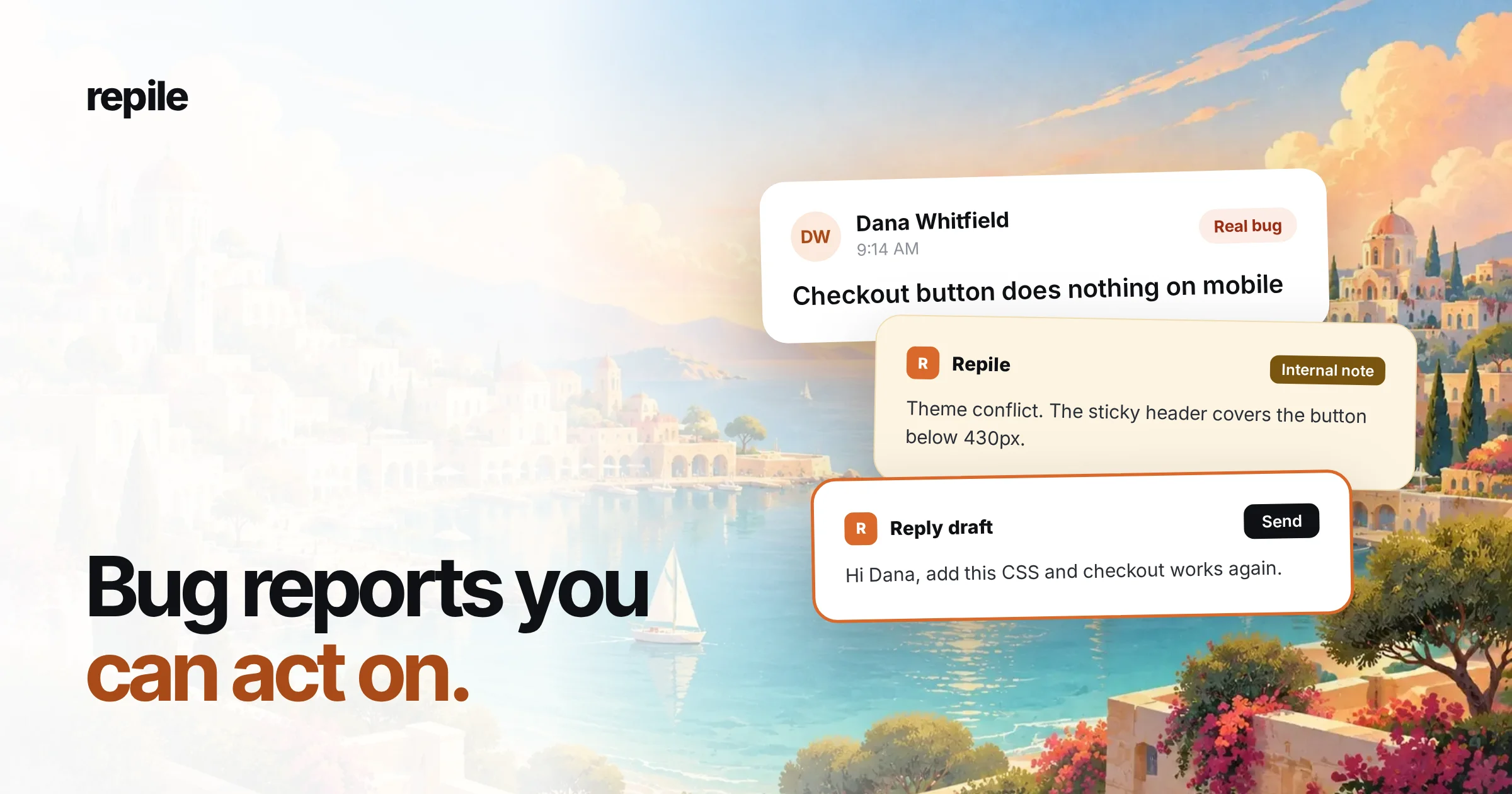
That is the work Repile does on each ticket. It reads and triages the ticket, can copy the customer's site into a sandbox after you approve it, and reads your plugin's code for the release the customer has installed.
When the cause is in your code, Repile opens the GitHub issue with the steps to reproduce, the evidence and the failing line, linked back to the ticket. That is the developer report above, written for you.
Repile is not a helpdesk, and it does not send replies on its own. It works inside FreeScout, Help Scout and your WordPress.org forum, and a person on your team presses send.
You can also put your own rules in each product's instructions, like "always ask for the Formwise version", so the first reply asks for exactly what is missing. See how projects work, or the plans and pricing.