
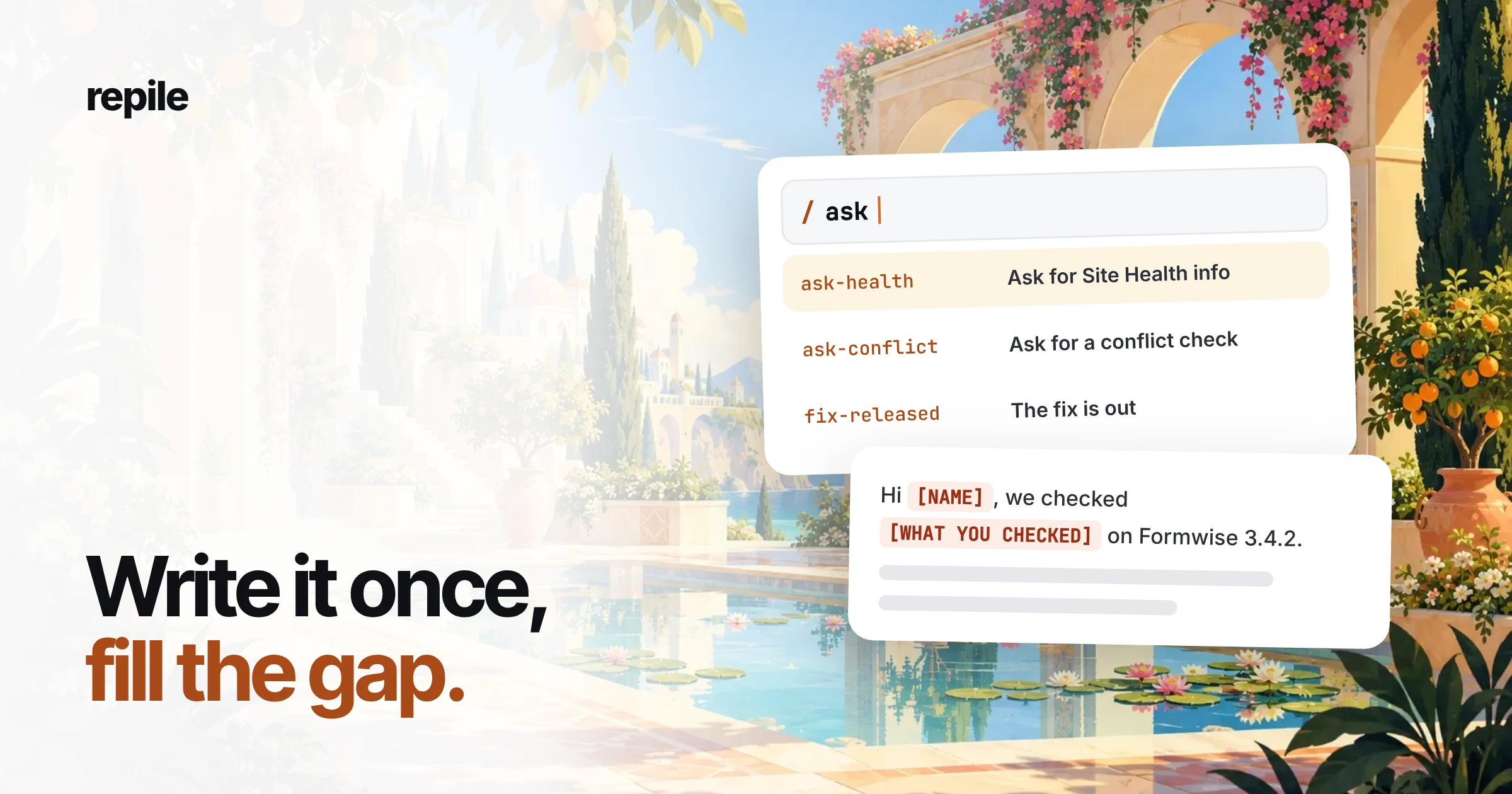
A canned response is a reply you write once and reuse whenever the same question comes in. The good ones handle the part that never changes and leave a marked gap for the part that does: the version, the theme, what you checked.
Below are ten canned response examples for the tickets a WordPress plugin or theme team answers every week, and the rules that keep them from sounding canned.
What is a canned response?
It is a saved block of text you insert into a reply instead of typing it again. Help Scout calls them saved replies, FreeScout has a Saved Replies module, and other helpdesks call them macros or templates.
The name does not matter. One person writes the answer carefully, and the whole team reuses that care.
Why plugin teams need their own
Most lists of canned response examples are built for shops and SaaS apps: order tracking, refunds, password resets, holiday hours.
Plugin support repeats too, but the repeats are different. You ask for versions, you explain licenses, you announce fixes, and you move people off the WordPress.org forums when they ask about a paid version.
A plugin reply also depends on facts that change with every release. A canned response that hard-codes "update to 3.4.1" is wrong the day 3.4.2 ships.
How to write a canned response that does not sound canned
Every example below follows the same five rules.
- One job per reply. "Ask for Site Health info" is one canned response. "Ask for Site Health info and explain licenses" is two.
- Mark the gaps in capitals.
[WHAT YOU CHECKED]cannot be sent by accident. A soft gap like "your plugin" can. - Say why you are asking. Customers answer a question faster when they know what it decides.
- Link to the docs for long steps. Steps pasted into a reply go stale. A link to a page you keep updated does not.
- Never hard-code a version. Put
[CURRENT VERSION]in the text and fill it in each time.
The examples use the site's usual story: Dana Whitfield at Northwind Bakery, who runs the Formwise plugin.
1. Asking for Site Health info
Use it when a ticket arrives without versions.
Hi [NAME],

Thanks for the details. To check this against your exact setup, could you send us your Site Health info?

In wp-admin, go to Tools > Site Health > Info and click "Copy site info to clipboard", then paste it here.

It lists your WordPress, PHP, theme and plugin versions, and it does not include passwords.
Why it works: one action, a menu path the customer can follow, and an answer to the privacy worry before they ask.
2. Asking for a conflict check
Use it when the cause could be another plugin or the theme, and you cannot see the site.
Hi [NAME],

Thanks for trying that. The next step is to see whether another plugin or your theme is involved.

The free Health Check & Troubleshooting plugin can turn off other plugins and switch the theme for your account only, so visitors see nothing change. Our guide walks through it: [DOCS LINK]

Could you try [THE EXACT STEPS THAT FAIL] in troubleshooting mode and tell us what happens?
Why it works: it removes the fear of breaking a live store, and it asks for one test, not a list of chores.
3. License key will not activate
Hi [NAME],

Sorry the license is giving you trouble. We checked your key and it is [ACTIVE / EXPIRED / IN USE ON ANOTHER SITE].

[ONE SENTENCE ON WHAT THAT MEANS AND WHAT TO DO NEXT]

If you moved the site to a new domain, deactivate the license on the old one first under [MENU PATH], then activate it again.
Why it works: the gap forces you to look up the key before replying, so the customer never gets a generic "try again".
4. A known issue, with a fix on the way
Hi [NAME],

You are not alone in this. It is a known issue in Formwise [VERSION], and it happens when [CAUSE IN ONE SENTENCE].

Until the fix ships, [WORKAROUND] avoids it.

We have linked your ticket to the bug, so we will write to you here when the fixed version is out.
Why it works: it says what is wrong, how to live with it today, and when they will hear from you again. It never promises a date.
5. The fix is out
This is the follow-up to example 4. Keep a list of the tickets linked to each bug, so nobody is forgotten.
Hi [NAME],

Good news: Formwise [CURRENT VERSION] fixes the problem you reported with [SHORT DESCRIPTION].

You can update under Dashboard > Updates. If you added the workaround we sent, you can now remove it.

If anything still looks wrong after updating, reply here and we will pick it up.
6. A feature request you have logged
Hi [NAME],

Thanks for the idea. Formwise does not [WHAT THEY ASKED FOR] today.

[WORKAROUND, IF ONE EXISTS, OR DELETE THIS LINE]

We have added your request to our feature list with your use case. We cannot promise it will ship, but requests with a clear use case like yours are the ones we read first.
Why it works: it is honest that the feature does not exist, and it does not pretend the request is already planned.
7. Moving a WordPress.org forum topic to private support
The WordPress.org forums are for the free version of a plugin. Questions about a paid version, or anything that needs a login or a license key, belong in your own helpdesk.
Hi @[USERNAME],

Thanks for posting. This question is about Formwise Pro, and the forum guidelines ask us to handle paid products outside the WordPress.org forums.

Please send it to us at [SUPPORT URL] and mention this topic. Please do not post your license key or a login here.
Why it works: it cites the forum's rule instead of sounding unwilling, and it protects the customer from posting secrets in public.
8. Asking for a screen recording
Hi [NAME],

Thanks, that helps. We tried [WHAT YOU TRIED] and could not see the problem yet.

Could you record a short video of the steps on your site? Your phone's screen recorder is fine. Seeing exactly where you click usually tells us more than a written description.
9. A refund request
Keep the policy in the gap, so the reply is always the current one.
Hi [NAME],

Sorry Formwise did not work out for you. [YOUR POLICY IN ONE SENTENCE, AND WHETHER THIS PURCHASE QUALIFIES]

[IF YES: We have issued the refund. It usually takes [DAYS] to appear.]

If the problem was something we could fix, we would still like to hear what went wrong. One line is enough.
10. Closing a ticket after no reply
Hi [NAME],

We have not heard back, so we are closing this ticket for now. Nothing is lost: replying to this email opens it again with the full history.

The last thing we were waiting for was [WHAT YOU ASKED FOR].
Why it works: no guilt, and a reminder of what you needed, so their reply moves the ticket forward.
How many canned responses should a plugin team keep?
Fewer than you think. A library of a few dozen replies that people trust beats two hundred that nobody can find.
Name each one by its job, such as "Ask: Site Health" or "Fix released", so the search box finds it. Delete near-duplicates when you find them.
When should you update them?
After every release. Read the replies that mention a version, a menu path or a setting, and fix the ones the release changed.
Also update one when teammates keep rewriting it by hand. That means the saved version is wrong.
Common mistakes
- Sending the gap. A reply that says "Hi [NAME]" tells the customer exactly how much attention they got. Search your draft for
[before you send. - Using a canned response to avoid reading the ticket. If the customer already sent their versions, asking for Site Health info is worse than no reply.
- One reply for every product. A theme and a forms plugin need different first questions. Keep a set per product.
Where Repile fits
Canned responses save typing. They do not decide which reply a ticket needs, and they do not fill in the gaps: someone still has to check the version, read the code and find the cause.
Repile does that part: it reads each new ticket, checks your plugin's real code, and leaves an internal note and a draft reply in Help Scout, FreeScout or the WordPress.org forums. A person on your team reads the draft and presses send.
The rules your canned responses carry, such as "always ask for the Formwise version" or "never promise a release date", go into a project's instructions, and Repile follows them on every ticket. Your writing style is set once during setup.
Repile is not a helpdesk, so your saved replies stay where they are. If your team's real problem is finding the cause of each ticket, not typing the answer, see how it works for plugin companies, or compare the plans on the pricing page.