
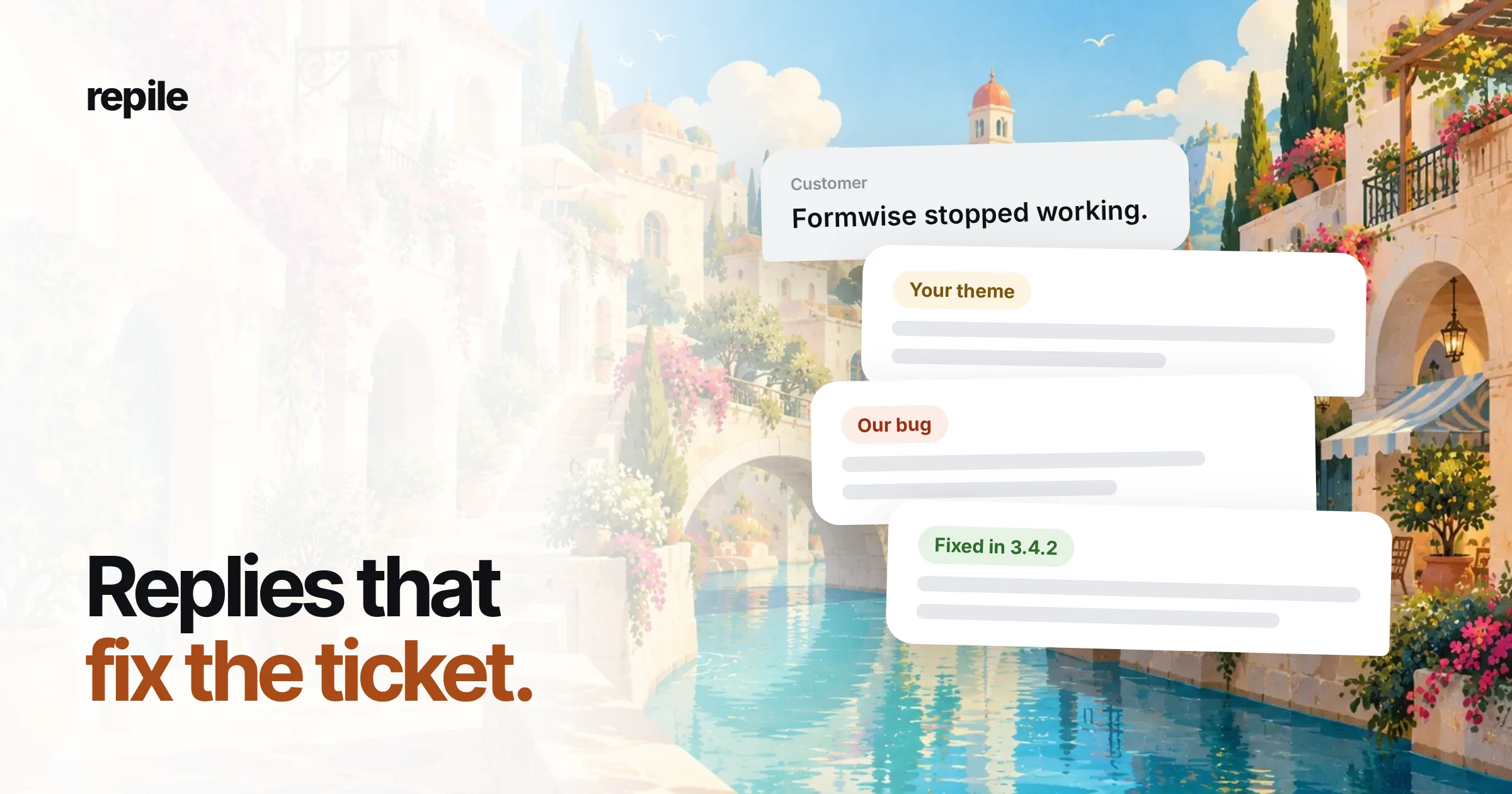
A good support ticket response names the customer's exact problem, says what you checked, and gives one clear next step. Below are eight examples written for the tickets a WordPress plugin or theme team actually gets, with a note on why each one works.
Most lists of support ticket response examples are written for refunds, shipping delays and password resets.
Plugin support is different. The answer usually depends on a version number, a theme, or one line of code.
What a plugin support reply needs
Before the examples, here is the shape every one of them follows:
- The problem in the customer's words, so they know you read the ticket.
- What you checked, with versions, so they know it was not a guess.
- The verdict: our bug, their theme, their hosting, or a setup question.
- One next step, for them or for you, with no vague "we'll look into it".
- What you still need, if anything, asked once and specifically.
The examples use the same story as the rest of this site: Dana Whitfield at Northwind Bakery, who runs the Formwise plugin, version 3.4.2.
1. Asking for the details you need
The ticket says only "Formwise stopped working". Do not reply with a generic form.
Ask for the three things that decide most plugin tickets, and say why.
Hi Dana,

Thanks for writing in. We want to find this quickly, so we need three things:

1. Your Formwise version (Plugins > Installed Plugins).
2. Your active theme and its version.
3. What you click, and what happens instead of what you expect.

A screenshot of the page helps too. With these we can usually tell within a day whether the cause is Formwise or something else on the site.
Why it works: each question has a reason, and the list is short enough that people answer all of it. A Site Health info copy (Tools > Site Health > Info) is a good extra ask when versions are hard to find.
2. "It's your theme, not our plugin"
This is the hardest reply to write well.
In ticket #412, Dana reports that the Place order button does nothing on phones. The cause is the Harbor theme's sticky header, which sits on top of the button on narrow screens.
Hi Dana,

We reproduced this on an iPhone-sized screen with your Formwise and theme versions. The button itself works.

The Harbor theme pins its header to the bottom of the screen on phones, and it covers the Place order button, so the tap lands on the header.

You can fix it today by adding this CSS under Appearance > Customize > Additional CSS:

  @media (max-width: 430px) { .site-header.is-sticky { position: static; } }

It may also be worth letting the Harbor theme authors know, so it is fixed for everyone.
Why it works: it never says "not our problem". It shows the evidence, gives a fix she can paste, and only then points at the theme.
3. "It's our bug"
When the cause is in your code, say so plainly. Customers forgive bugs much faster than they forgive being told it was their fault.
Hi Dana,

You found a real bug in Formwise 3.4.2, and we are sorry for the trouble. The form loses its saved entries when the page is reloaded on Safari.

Until the fix ships, turning off "Save progress" under Formwise > Settings avoids it. We have logged the bug with your steps, and we will reply on this ticket as soon as the fixed version is out.
Why it works: it admits the bug, gives a workaround, and promises an update without promising a release date. A date you miss costs more than no date.
4. A fatal error after an update
These tickets are urgent because the customer's site may be down. Example: ticket #409 reports a fatal error on PHP 8.3 right after updating.
Hi Dana,

Sorry, a fatal error after an update is stressful. First, the quickest way back to a working site:

1. Connect with SFTP or your host's file manager.
2. Rename the folder wp-content/plugins/formwise to formwise-off.

That turns Formwise off, so your site loads again.

Then please send us the error message from your debug log or your host's error log. The file name and line number in it tell us exactly where the problem is.
Why it works: it gets the site back first and investigates second. It asks for the one piece of evidence that matters.
5. "Already fixed in a newer version"
Many tickets are about bugs you already fixed. The reply should be short, but it should still prove you checked.
Hi Dana,

Thanks for the clear steps.

This was a bug in Formwise 3.4.1, and it was fixed in 3.4.2. Your site is still on 3.4.1, so updating should fix it.

If you still see it after updating, reply here and we will look again.
Why it works: it names both versions. "Please update to the latest version" without a reason reads as a brush-off.
6. A feature you do not have
Saying no clearly is kinder than a reply that sounds like a maybe.
Hi Dana,

Formwise cannot send entries to Google Sheets today, and it is not on our current plan. We have added your request to our list, because it helps us see what customers need.

In the meantime, some customers connect Formwise to Google Sheets with Zapier, using the webhook option under Formwise > Integrations.
Why it works: a straight answer, no promise, and a real way to get the job done now. The integration names here are an example; only suggest workarounds you have tried.
7. A public reply on the WordPress.org forum
Forum replies are public, and other people with the same problem will read them later. Write for them too, and never ask for logins in a public thread.
Hi @danawhitfield,

Thanks for the report. We could not reproduce this on a clean site with Formwise 3.4.2 and a default theme, so something on your site is likely involved.

Could you switch to a default theme like Twenty Twenty-Four for a minute, and tell us if the form submits then? If it does, the theme is the cause, and we can help you find the exact conflict.
Why it works: it says what was tested and asks for one quick check that splits the problem in half.
8. Following up when the customer goes quiet
A ticket waiting on the customer should not hang forever or close without a word.
Hi Dana,

Just checking in on the checkout button. Did the CSS fix work on your phone?

If we do not hear back in a few days we will close this ticket, and you can reopen it any time by replying here.
Why it works: one question, a clear next step, and no guilt.
Templates are not the hard part
Saved replies help with the wording, but the slow part of a plugin ticket is everything before the reply.
Someone has to find the versions, rebuild the setup, follow the steps and read the code. Only then can they say "your theme" or "our bug" with confidence.
That is the part Repile does.
It sorts the ticket, can copy the customer's site into a sandbox after you approve it, and reads your plugin's code for the version the customer runs. Then it leaves an internal note and a reply draft in FreeScout, Help Scout or on your WordPress.org forum.
Repile is not a helpdesk, and it does not reply to customers on its own. A person on your team reads the draft, edits it, and presses send.
You can also give each product its own instructions, like "always ask for the Formwise version" or "never promise release dates", so the drafts follow the rules in this post. See how projects work or the plans and pricing.