
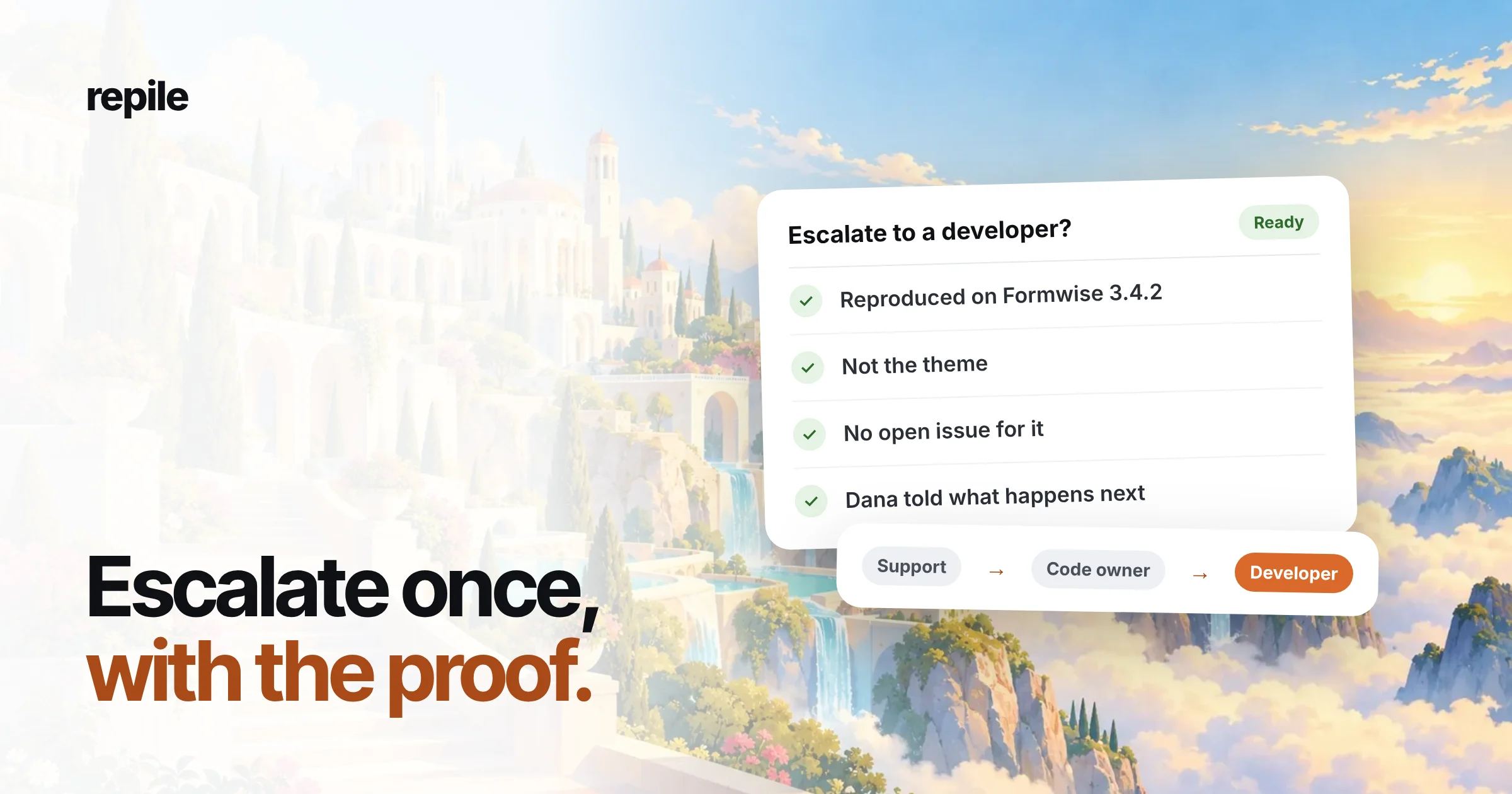
Ticket escalation is moving a support ticket to someone who can do what the current owner cannot: fix the code, make a decision, or answer with more knowledge. On a WordPress plugin or theme team, a good escalation happens once, to the right person, with the proof attached.
Most escalations that go wrong are not too late. They are too early, with nothing in them a developer can use.
What is ticket escalation?
Helpdesk guides describe two kinds.
Functional escalation moves a ticket sideways to someone with the right skill. Hierarchical escalation moves it up to someone with more authority.
Plugin teams use both.
A bug in the submit handler goes sideways to a developer. A refund outside your policy, or a customer threatening a bad review, goes up to a lead or the founder.
Escalation is not the same as triage.
Triage decides what kind of ticket it is. Escalation happens after that, when the person holding the ticket cannot finish it.
What an escalation path looks like on a plugin team
Generic guides draw three or four tiers with a service desk at the bottom. Most plugin companies are smaller than that, so the path is short and named after people, not tiers.
- Support. Answers how-to questions, licenses, setup and known issues. Collects the environment and checks for a conflict.
- The person who knows the code. Often a senior support engineer or the founder. Decides whether it is your bug, the customer's theme, or their hosting.
- The developer who owns that part of the plugin. Gets confirmed bugs, with steps, as a GitHub issue or whatever your team tracks work in.
- The lead or founder. Gets decisions: refunds outside policy, promises about dates, security reports, anything that touches a contract.
Write this path down, with real names, in the place your team already looks. An escalation path that lives in one person's head is a bottleneck with a holiday.
When to escalate a ticket to a developer
Escalate to a developer when all five of these are true. If one is missing, the ticket still belongs to support.
- You can reproduce it. You have steps that fail, on a known plugin version, and you have seen it fail yourself.
- It is not the customer's site. You checked with a default theme and with other plugins switched off, on a copy of the site, and it still fails.
- It is not already known. You searched your open issues and your changelog, and nobody has reported it.
- It needs a code change. No setting, snippet or documented workaround solves it.
- You know who owns it. The ticket names the part of the plugin that fails, so it lands with the right developer.
The first two are where most bad escalations come from. "It doesn't work" with no version is not a developer's ticket yet.
When not to escalate
Hard is not the same as escalate. These tickets stay with support, even when they take a while:
- How-to questions, however complicated. If the docs are missing, write them, or flag the gap, but answer the ticket.
- Theme and plugin conflicts. Explain the cause to the customer, and suggest they tell the other author. Your developer cannot fix someone else's theme.
- Known bugs with an open issue. Link the ticket to the existing issue and give the customer the workaround. A second issue for the same bug splits the evidence.
- Feature requests. Log them where your team collects them, and tell the customer honestly that you have no date.
- Hosting limits. A timeout or a memory limit on the customer's server is a reply, not an issue.
What to send when you escalate
A developer should be able to start work without opening the ticket. That means the escalation carries its own evidence.
- One line on what fails. "Formwise 3.4.2: form does not submit in Safari."
- Versions. Plugin, WordPress, PHP, browser, and the theme if it matters.
- Steps to reproduce. Numbered, starting from a page URL on a test site, not the customer's live site.
- Expected and actual. What should happen, what happens, and any error from the browser console or the PHP log.
- What you ruled out. Theme, caching, other plugins, older versions.
- Impact. How many tickets, and whether a workaround exists.
- A link between the issue and the ticket. So support can find the fix, and on a private repository the developer can find the customer.
Keep the conversation with the customer out of it. The developer needs the facts, not the thread.
A ticket escalation example
Here is ticket #412 from our example data. Dana Whitfield at Northwind Bakery says the Formwise contact form does nothing in Safari since she updated to 3.4.2.
Support reproduced it on a copy of her site, ruled out her theme, and found no open issue. This is the GitHub issue they escalated with:
Title: Form does not submit in Safari since 3.4.2

Formwise 3.4.2, WordPress 6.8, PHP 8.2.
Safari 18 on macOS. Chrome and Firefox work.

Steps:
1. Add a Formwise form to a page.
2. Open the page in Safari 18.
3. Fill in the form and press Send.

Expected: the form submits and shows the thank-you message.
Actual: nothing happens. The console shows an error
in formwise-submit.js.

Ruled out: theme (same on Twenty Twenty-Five),
caching plugin (disabled, same result).
3.4.1 works in Safari, so it came in with 3.4.2.

Impact: 1 ticket so far. No workaround yet.
Notice what is missing: Dana's name, her site address and her email. On a public repository, those never belong in an issue.
The ticket number is missing too.
On a private repository, add it so support can find the customer again. On a public one, keep the link on your side, with the issue URL in the ticket.
The developer gets one issue per bug. When the next Safari ticket arrives, support links it to the same issue and updates the impact line, instead of filing a second one.
Escalating up: decisions, not bugs
Some tickets need authority, not code. Send these to your lead or founder with the decision, the options and your recommendation.
- Refunds and exceptions outside your written policy.
- Dates. If a customer needs a release date before they renew, someone who can promise it has to answer.
- Security reports. Move them out of the forum or ticket thread and into a private channel at once. Never file a vulnerability as a public GitHub issue.
- An angry customer who asks for a manager. Give the lead the short history, so the customer does not have to repeat it.
What to tell the customer while it is escalated
The customer should know three things: you confirmed it, someone is working on it, and what they can do in the meantime. Do not promise a date you do not control.
Hi Dana,

We reproduced this on Formwise 3.4.2 in Safari, so it is
a bug on our side, not your site. A developer has it now.

Until the fix is out, the form works in Chrome and Firefox.
We will write to you here as soon as the update is released.
Then close the loop. When the fix ships, the ticket goes back to support and someone tells Dana, which is where an escalation most often gets lost.
Escalating from the WordPress.org forums
Forum topics are public, and the person who reported the bug may never open a private ticket. Escalate them the same way: reproduce, rule out conflicts, search for an existing issue.
Keep the forum reply short. Say you reproduced it and that a fix is coming, and leave the steps and versions in the issue.
Common escalation mistakes
- Escalating to get the ticket off your plate. If you would have to answer the developer's first question with "I don't know", it is too early.
- Skipping the conflict check. A theme conflict sent to a developer costs their afternoon and your customer's day.
- One issue per ticket. Ten tickets about one bug should be one issue with ten links.
- No way back down. When the developer finds it is a setting, the ticket returns to support with the answer, not to a closed state.
- Silence. An escalated ticket with no reply for a week looks to the customer like an ignored one. Send an update even when the update is "still working on it".
Where Repile fits
Repile does the checks that make an escalation worth sending. It sorts each new ticket from Help Scout, FreeScout or your WordPress.org forums, copies the customer's site into a private sandbox after you approve it, and reads your plugin's code for the release the customer runs.
When the cause is in your code, Repile opens a GitHub issue with the steps to reproduce, the evidence and the failing line, and links it back to the ticket. It searches the repository for an existing issue first.
When the cause is the customer's theme, there is no issue. Repile explains the cause in an internal note and leaves a reply draft, and a person on your team still presses send.
You decide how much Repile does on its own. In the GitHub settings, the default asks before every issue, and on a public repository Repile refuses an issue that contains an email address, an outside link or a helpdesk ticket reference.
Repile is not a helpdesk, and it does not replace the person who decides. It makes sure that when a ticket reaches your developer, the proof is already there.
See how this works for plugin companies, or compare the plans on the pricing page.