
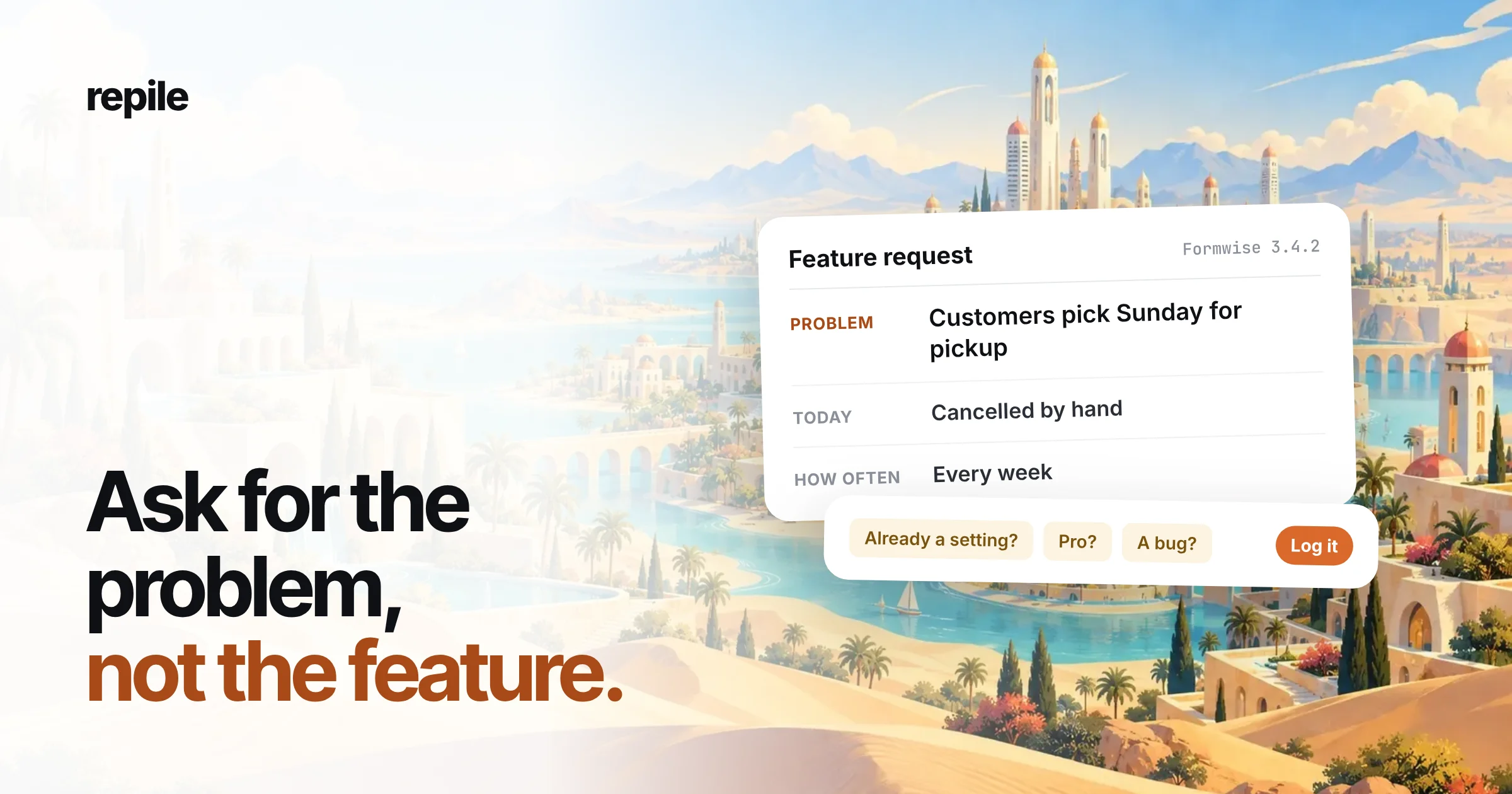
A good feature request template for a WordPress plugin asks for the problem first: what the customer is trying to do, how they do it today, and what happens if nothing changes. Below is a template you can paste into a saved reply or a form, a log entry for your team, a GitHub version, and the checks your support team should run before anything gets logged.
Most feature request templates are written for SaaS product managers. They ask for revenue impact, account size and acceptance criteria.
A plugin customer is usually one person with one site. The questions have to fit them, and the answers have to fit the way a plugin team decides what to build.
Why plugin feature requests need their own template
On a WordPress plugin, a large share of feature requests are not new features at all. They are a setting the customer did not find, a Pro feature, a bug, or something a hook already does.
A generic form logs all of them as ideas. Your list fills up with requests you already shipped, and the customer waits for a reply that could have been sent the same day.
So the template below asks what support needs to tell those cases apart. The product questions come after.
The template to send your customers
Use this as a saved reply, or turn each line into a field on a feature request form. The example uses Formwise, the forms plugin from the rest of this site.
Thanks for the idea. To pass it on properly, could you tell us:

1. What you are trying to do.
   Example: "Stop customers picking a Sunday for bakery pickup."

2. How you handle it today.
   Example: "We cancel Sunday orders by hand and email them."

3. How often it comes up.
   Every order, once a week, or now and then?

4. Your Formwise version, and whether you use the free
   or the Pro version.

5. Anything you have already tried, like another plugin
   or a code snippet.
Five questions, and none of them asks the customer to design the feature.
Why each field is there
What you are trying to do. Customers describe a solution, like "add a checkbox". The goal behind it is what you can actually act on, and it often has a better answer than the one they asked for.
How you handle it today. This shows the cost of doing nothing. "We cancel orders by hand" is a stronger case than "it would be nice".
How often it comes up. A problem on every order matters more than one that shows up once a year. It also tells you whether a workaround is good enough.
Version, free or Pro. The feature may exist in a newer release, or in Pro. You want to know before you log it.
What they already tried. It saves you suggesting the snippet they already pasted, and it sometimes shows a conflict with another plugin.
Check these before you log a feature request
Run through this list on every request. It takes a few minutes, and it decides whether you reply today or log the request.
- Is it already a setting? Search your docs and settings screens for the goal, not the customer's word for it.
- Is it in a newer release? Compare their version with your changelog.
- Is it a Pro feature? Then say so plainly, and keep sales pressure out of the reply.
- Is it a bug? "Can you add a way for the form to send in Safari" is a bug report. Treat it as one.
- Can a hook or filter do it? If your plugin has a filter for it, a short snippet can answer the ticket today.
- Has someone asked already? Add this customer to the existing request instead of creating a new one.
Only a request that passes all six goes on the list as a new idea.
The log entry for your team
When support logs a request, the product team needs a conclusion, not the whole conversation. Keep every entry in the same shape, wherever your team collects them.
Request: Block chosen weekdays in the date field
Problem: Bakeries cannot stop Sunday pickup orders.
Today: Orders are cancelled by hand and the customer emailed.
How often: Every week for this customer.
Version: Formwise 3.4.2, free.
Workaround sent: None found.
Asked by: Ticket #412, Northwind Bakery.
Also asked: Link the other tickets here.
The date field and the weekday setting here are an example. Write what your own customer asked for.
The last two lines matter most. They turn one ticket into a count, so the request that ten customers asked for does not look the same as the one asked once.
A feature request template for GitHub
If your team plans in GitHub, you can save a template as .github/ISSUE_TEMPLATE/feature_request.md in the plugin's repository. Every new feature request issue then starts with it.
## Problem
What the user is trying to do, and what stops them.

## Current workaround
What they do today, or "none".

## Proposed change
One idea. Mark it as a suggestion, not a spec.

## Who asked
Number of requests so far, and links to private tickets.

## Alternatives considered
Settings, add-ons or snippets that were checked.
On a public repository, leave out customer names, email addresses and ticket links. The problem and the count are enough for anyone reading it.
How to reply once you know the answer
Every request ends in one of three replies. Pick the one that is true.
It already exists. Point to the exact setting or snippet, and say which version has it. This is the best outcome for everyone, so send it the same day.
It is logged, with no promise. Thank them, say plainly that the plugin does not do it today, and say you added their use case. We wrote this reply out in full in our canned response examples.
It is not planned. Say so, and say why in one sentence, like "it would change how every form saves". Then offer the closest workaround you have.
Hi Dana,

Thanks for explaining how pickup works at Northwind Bakery.
Formwise cannot block chosen weekdays in the date field
today, and we have no date for it.

We have added your request to our list with your use case.
Until then, the "Limit dates" setting can stop past dates
being picked, which removes some of the manual work.
The "Limit dates" setting is part of the example. Only offer a workaround that exists in the version the customer runs.
Feature requests on the WordPress.org forum
Forum topics are public, and the forum is for the free version of your plugin. Keep the reply about the free plugin, and do not ask for site details the customer would not want to post.
If the answer depends on Pro, a license or anything private, move the conversation to your own helpdesk. The forum template can shrink to the first three questions.
When the feature ships
A feature request is only finished when the people who asked hear about it. This is why the log entry links every ticket.
When the release goes out, reply on each linked ticket with the version and where to find the setting. A customer who asked six months ago and gets that reply remembers it.
Where Repile fits
A template gets you clearer requests. Someone still has to check whether the feature exists, whether it is really a bug, and whether a customer asked for it last month.
Repile reads and triages each ticket, deciding whether it is a real bug, a setup question or a duplicate. It reads your plugin's code for the release the customer has installed, so its answer reflects the plugin they actually run.
It then leaves an internal note and a reply draft in the ticket. A person on your team reads it and presses send.
If your team tracks work in GitHub, Repile can search your issues and file new ones, asking your approval before each issue by default.
You can also write your rules into each product's project instructions, like "never promise release dates".
Repile is not a helpdesk or a feature voting board: it works inside FreeScout, Help Scout, the WordPress.org forums and GitHub. See the plans and pricing, or how it works for plugin companies.