
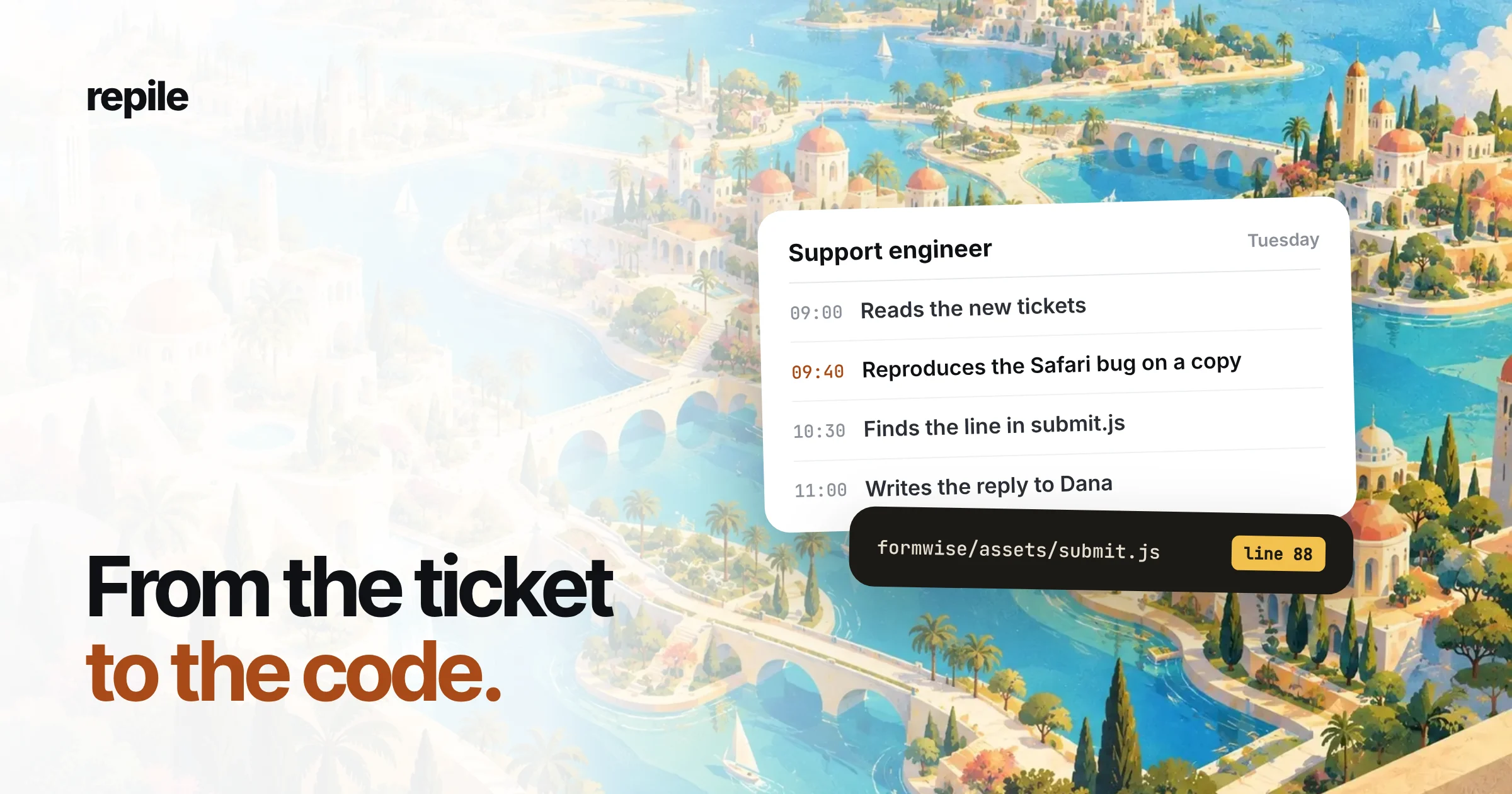
A support engineer is the person who answers the technical questions about a software product and finds out why it fails for a particular customer. At a WordPress plugin or theme company, that means reading the ticket, rebuilding the customer's setup on a copy, reading the plugin's code, and writing a reply the customer can act on.
Most job descriptions stop at "troubleshoots technical issues". This post shows what the work actually is when the product runs on thousands of WordPress sites you do not control.
What is a support engineer?
A support engineer sits between the customer and the code. They take the questions that need technical knowledge, investigate them, and either solve them or hand a confirmed problem to the developers.
The title covers a wide range. In IT it can mean the person who fixes laptops and network access, and at a software company it means the person who knows the product well enough to explain why it behaves the way it does.
On a plugin team it is always the second kind.
Support engineer, customer support engineer, product support engineer
These titles mean nearly the same job, and companies pick one almost at random.
- Customer support engineer stresses that the work starts with a customer's message.
- Product support engineer stresses that the engineer knows one product deeply.
- Support engineer is the short form, and the most common.
What matters is the work in the job description, not the title. If it asks you to reproduce issues and read code, it is the job this post describes.
What does a support engineer do at a plugin company?
Most days follow the same shape. Here is one, using our example plugin, Formwise.
- Reads the new tickets. Sorts them into how-to questions, license and billing, likely bugs, and duplicates of something already known.
- Answers the quick ones. A setting, a docs link, a known fix with the version it shipped in.
- Picks the hard ticket. Dana Whitfield at Northwind Bakery writes in ticket #412 that the contact form on the bakery's site does nothing in Safari since the update to Formwise 3.4.2.
- Gets the environment. Plugin, WordPress and PHP versions, the theme and the active plugins, usually from Tools > Site Health > Info.
- Reproduces it on a copy. Never on the customer's live site.
- Reads the code. The release Dana runs, not the main branch, until the change that broke Safari turns up.
- Writes it down. An internal note with the verdict, a reply Dana can use today, and an issue for the developer.
Steps 1 and 2 are most of the volume. Steps 3 to 7 are most of the value.
The three outputs of a support engineer
A good day leaves three kinds of writing behind, and each has a different reader.
- The reply to the customer. What we found, what they can do now, and what happens next. Dana gets "This is our bug in 3.4.2. The form works in Chrome and Firefox until the fix ships, and we will write when it does."
- The internal note for the team. The verdict, what was checked, and what is still open, so the next person does not repeat the work. We wrote a full guide to internal notes.
- The issue for the developer. Steps, versions, the file and line, and what the customer was told. How to decide when a ticket is ready for it is in our post on ticket escalation.
A support engineer who finds the cause but writes none of these has done half the job.
Support engineer vs software engineer
A software engineer builds and changes the product. A support engineer understands the product as it runs on customer sites, and proves what is wrong with it.
On a plugin team the line is usually drawn at the fix. The support engineer can point to submit.js line 88 and say why Safari fails there, and the developer changes it, reviews it and ships a release.
Some teams let support engineers send small fixes. Others keep them out of the code entirely, which works only if they can still read it.
The difference that matters most is the environment. A developer works on a clean install, while a support engineer works on Dana's site, with its theme, its twenty other plugins and its host's caching.
What skills does a support engineer need?
Generic job descriptions list a degree, SQL and "strong communication". For WordPress products, the list is more specific:
- WordPress itself. How themes, plugins, hooks, caching and updates interact, because that is where most verdicts come from.
- Enough PHP and JavaScript to follow code. Trace a hook, find where a request goes, and read a stack trace from debug.log.
- Rebuilding a setup. Turning a list of versions into a working copy of the customer's site, carefully, before drawing a conclusion.
- Ruling things out. A default theme, other plugins off, the previous release of your own plugin.
- Plain writing. A reply a shop owner understands, and a note a developer can act on.
- Saying "this is not ours" kindly. Many tickets end with the customer's theme or host, and the reply still has to help.
The writing is the skill teams hire for least and need most. A correct verdict in a confusing reply comes back as a second ticket.
What a support engineer is not
The role grows to fill every gap if nobody stops it. Keep these with someone else:
- The developer. A support engineer confirms the bug and writes the issue. Shipping the fix is a release decision.
- The QA team. Testing every release before it ships is a different job, even if support often finds what testing missed.
- The person who decides about money. Refunds outside the policy and release dates go to a lead or the founder.
- Another company's support. When the cause is the customer's theme, explain it and suggest they tell that author. Do not patch their theme for them.
On small teams one person may do several of these. Knowing which hat a task needs still saves time.
How do you become a support engineer for WordPress products?
There is no single path, but the work itself is easy to practise in public:
- Answer questions on the WordPress.org support forums for plugins you know. You will see real tickets, real versions and real theme conflicts.
- Read the code of plugins you use. Pick a bug report on a public plugin and find the line it points to.
- Keep a local or sandbox install where you can rebuild a site from a list of versions.
- Write your answers out in full. Clear forum replies are the best portfolio for this job.
Many plugin companies hire support engineers from their own forums and customers, because those people already know the product.
Support engineer interview questions at a plugin company
If you hire for this role, ask about real tickets instead of trivia. A few examples, with what a good answer covers:
- "A customer says the form stopped working after an update. What do you ask first?" Versions, theme, other plugins, the exact steps and what "stopped working" means on screen.
- "You cannot reproduce it. What now?" Compare your copy with their site, ask what is different, and look at caching, the host and browser.
- "It is their theme. Write the reply." A clear verdict, a workaround if there is one, and no blame.
- "Here is a stack trace. Where would you look?" Which file is ours, which is WordPress core, and which belongs to another plugin.
- "When would you send this to a developer?" Once it is reproduced, ruled out and checked against open issues.
The written answer to the theme question tells you more than the rest of the interview.
Where Repile fits
Repile is an AI support engineer for WordPress plugin and theme companies. It does the investigation steps on each new ticket, so your support engineers start from a verdict instead of a blank page.
It sorts each new ticket from Help Scout, FreeScout or your WordPress.org forums. When the ticket reports a bug, it copies the customer's site into a private sandbox after you approve it, and reads your plugin's code for the release the customer has installed.
Then it leaves an internal note with the verdict and a reply draft in the ticket, with the file and line for each claim. When the cause is in your code, it can open the GitHub issue.
If your engineer disagrees, they can mention Repile in a note and ask it to check again.
Repile does not send replies on its own, and it does not replace the people on your team. A person reads the draft, edits it if needed, and presses send.
See how it works for plugin companies and theme companies, or compare the plans on the pricing page.