
Tier 2 support is the second level of a support team: the people who take the tickets that the first line cannot answer from the docs, a setting or a known fix. On a WordPress plugin or theme team, tier 2 is the work of finding out whose problem it is, by reproducing the issue, ruling out the theme and other plugins, and reading the code.
That last part is what makes plugin support different.
Most guides describe tier 2 for an IT help desk, where the answer is a password reset with extra steps. Here it is usually a verdict: our bug, your theme, or your host.
What is tier 2 support?
Tiered support splits tickets by how much knowledge they need. The common model has three or four levels:
- Tier 0 is self-service: docs, FAQs and the search box.
- Tier 1 answers the questions with a known answer.
- Tier 2 takes what tier 1 cannot solve, and investigates.
- Tier 3 is the people who can change the product: developers.
Tier 2 sits in the middle. It has more product knowledge than tier 1, and it does not ship code like tier 3.
Tier 1 vs tier 2 vs tier 3 on a plugin team
Generic definitions use hardware, VPNs and access requests as examples. Here is the same split with plugin tickets, using our example plugin, Formwise.
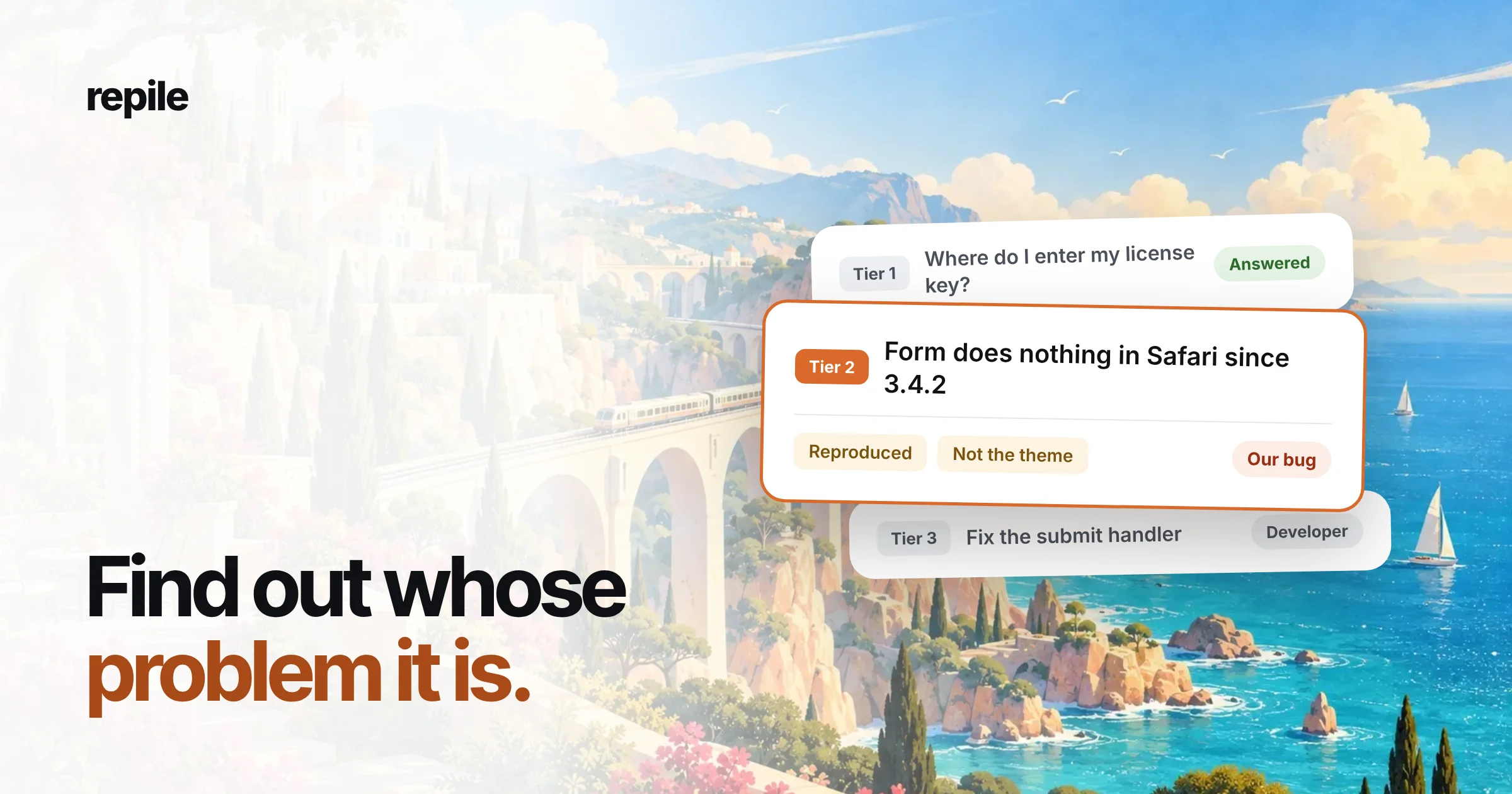
- Tier 1. "How do I send each form to two addresses?" "Where do I enter my license key?" "Is Formwise compatible with WordPress 6.8?" There is an answer, and it is in the docs or a saved reply.
- Tier 2. "The form does nothing in Safari since I updated to 3.4.2." "The submit button is hidden on phones." "Emails stopped arriving last week." Nobody knows the answer yet, and the cause could be in three places.
- Tier 3. "Fix the submit handler so it works in Safari." This is a confirmed bug with steps, and it needs a code change and a release.
The difference between tier 1 and tier 2 is not how hard the ticket feels. It is whether the answer already exists.
The difference between tier 2 and tier 3 is whether the fix is a code change in your product. Tier 2 finds that out, and tier 3 does it.
What tier 2 does on a plugin ticket
On a plugin or theme team, tier 2 work follows the same steps on almost every ticket.
- Get the environment. Plugin version, WordPress version, PHP version, theme and active plugins, usually from Tools > Site Health > Info.
- Reproduce it on a copy. Never on the customer's live site. A staging copy or a sandbox with the same versions is enough.
- Rule things out. Switch to a default theme, turn off the other plugins, and try the previous version of your own plugin.
- Read the code. Open the release the customer runs, not the main branch, and find where the behaviour comes from.
- Decide. Our bug, their theme, another plugin, their hosting, or a setting.
- Write it down. An internal note with the verdict, and a reply the customer can act on.
Step 5 is the job. Everything before it is how tier 2 earns the right to say it.
What tier 2 does not do
A tier 2 that takes everything becomes a second queue with the same tickets in it. Keep these elsewhere:
- How-to questions. If tier 1 cannot answer one, the docs are missing something. Tier 2 can write the answer once and hand it back as a saved reply.
- Code changes. Tier 2 confirms the bug and writes the issue. The developer fixes it.
- Decisions about money and dates. Refunds outside your policy and release promises go to a lead or the founder.
- Other people's products. When the cause is the customer's theme, tier 2 explains it and suggests they tell that author. It does not patch someone else's theme.
A tier 2 ticket from start to verdict
Here is ticket #412 from our example data. Dana Whitfield at Northwind Bakery writes that the Formwise contact form does nothing in Safari since she updated to 3.4.2.
Tier 1 checked the known issues and saved replies. Nothing matched, so it asked Dana for her Site Health info and moved the ticket to tier 2.
Tier 2 then worked through the steps:
- Environment. Formwise 3.4.2, WordPress 6.8, PHP 8.2, Safari 18 on macOS.
- Reproduced. On a copy of her site, the form fails in Safari and works in Chrome.
- Ruled out. Same result on Twenty Twenty-Five with every other plugin off. Formwise 3.4.1 works.
- Code. The change came in with the 3.4.2 submit script.
- Verdict. Our bug.
From there it is short. Tier 2 opens one issue for the developer, tells Dana the form works in Chrome and Firefox until the fix ships, and links the next Safari ticket to the same issue.
How to write that issue, and when a ticket is ready for it, is in our post on ticket escalation.
Two more verdicts tier 2 reaches
Most tier 2 tickets do not end in a bug. Two examples, labelled as examples:
- The theme. A customer says the submit button is hidden on phones. On a copy of the site it is fine with a default theme and hidden with theirs, because the theme's sticky footer covers it. The verdict is their theme, and the reply includes a CSS workaround.
- The host. A customer says emails stopped arriving last week. The form submits and Formwise hands the message to WordPress, but the host blocks outgoing mail. The verdict is their hosting, and the reply suggests an SMTP plugin.
In both cases there is nothing for tier 3. The ticket ends at tier 2, with an answer that tier 1 could reuse next time.
When should a ticket move from tier 1 to tier 2?
Move a ticket up when both of these are true:
- There is no known answer. Not in the docs, the saved replies, the known issues or the changelog.
- Tier 1 has the facts. The versions, the steps, and what the customer already tried.
The second rule matters most. A ticket that reaches tier 2 with "it doesn't work" and no version costs tier 2 a round trip to the customer.
Give tier 1 a bug report template or a saved reply that asks for Site Health, so tickets arrive ready.
Do small plugin teams need tiers at all?
Most plugin companies have a support team of one to five people. You do not need a tier 2 department.
You do need to know which kind of work a ticket is, so treat tiers as kinds of work, not job titles.
The same person can answer a license question at 9:00 and reproduce a Safari bug at 9:15.
Labeling tickets by tier shows you where the time goes. If most of a week is tier 2 work on the same feature, that is a product problem, not a staffing one.
What skills does tier 2 support need?
Tier 2 on a plugin team needs a mix that is hard to hire for:
- Enough code to follow it. Read PHP and JavaScript well enough to trace a hook or a request, without being the person who fixes it.
- WordPress itself. How themes, plugins, hooks and caching interact, because that is where most verdicts come from.
- Patience with a copy. Rebuilding the customer's setup carefully before drawing a conclusion.
- Plain writing. A verdict the customer understands, and a note the next person can act on.
The writing is the part most teams skip. A correct verdict in a confusing reply still comes back as a second ticket.
Common tier 2 mistakes
- Testing on the live site. Always reproduce on a copy. The customer's shop is not a test environment.
- Reading the wrong version. The bug is in the release the customer runs. The main branch may already be different.
- Stopping at "can't reproduce". That is a step, not a verdict. Ask what is different between your copy and their site.
- Never handing knowledge back. If tier 2 answers the same question twice, it belongs in a saved reply or the docs, so it becomes tier 1.
- Becoming the only queue. When everything is escalated, tier 1 never learns and tier 2 never catches up.
Where Repile fits
Repile does the tier 2 steps on each new ticket, so your team starts from a verdict instead of a blank page. It sorts the ticket from Help Scout, FreeScout or your WordPress.org forums, and reads your project's instructions.
When the ticket reports a bug, it copies the customer's site into a private sandbox after you approve it, and reads your plugin's code for the release the customer has installed. It tells you whether it is your bug, their theme or their hosting, with the file and line for every claim.
Then it leaves an internal note with the verdict and a reply draft in the ticket. When the cause is in your code, it can open the GitHub issue for tier 3.
Repile does not send replies on its own. A person on your team reads the draft, edits it if needed, and presses send.
It is not a helpdesk, and it does not replace the people who decide. It takes the slow part of tier 2 off them.
See how it works for plugin companies and theme companies, or compare the plans on the pricing page.