
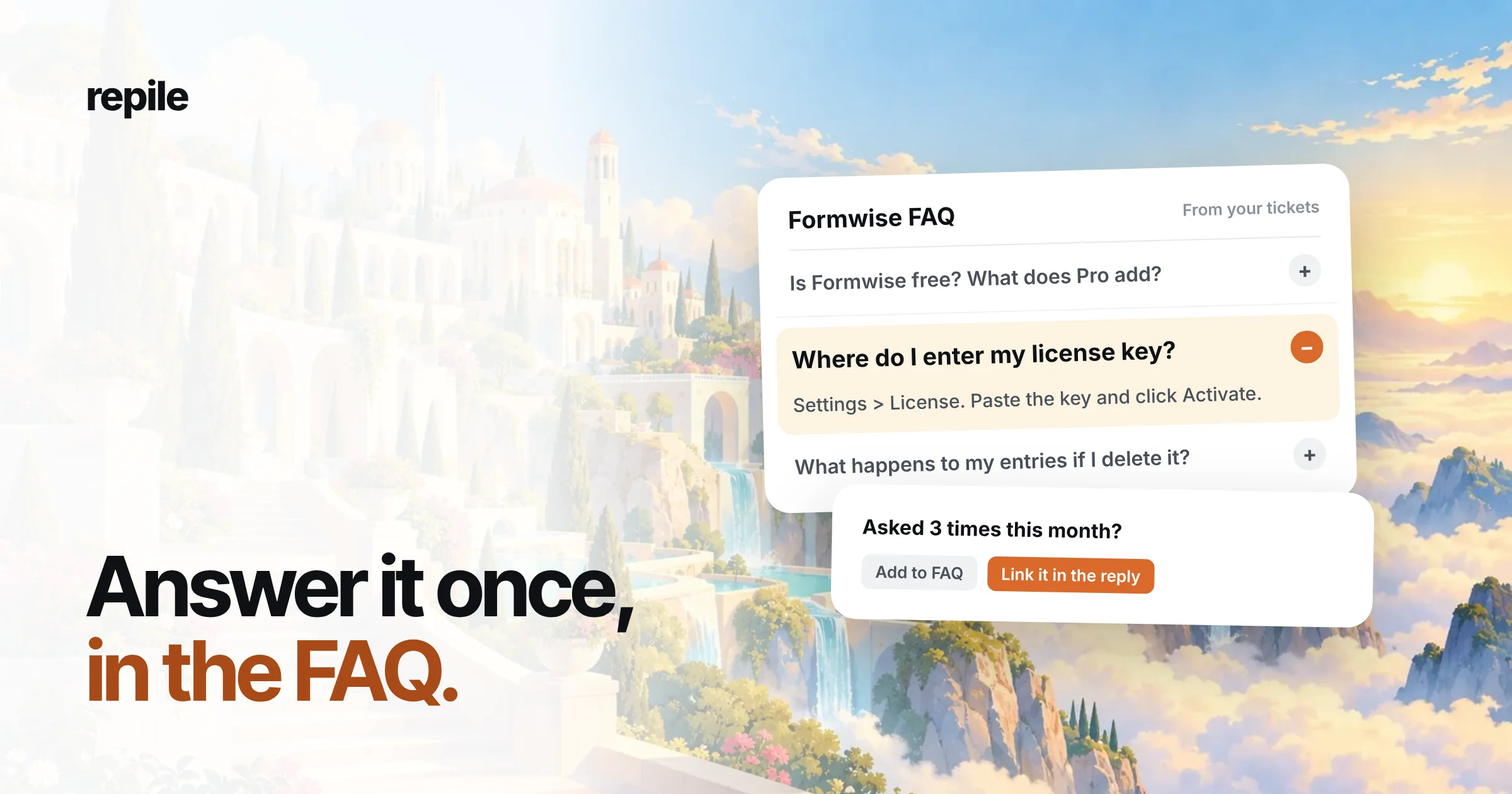
An FAQ template is a fixed structure for your frequently asked questions: a few groups, each question written the way customers ask it, and a short answer that starts with yes, no or the step to take. For a WordPress plugin or theme, the best FAQ is built from your support tickets, so it answers the questions people would otherwise send you.
Search "faq template" and you find FAQ pages for online stores: shipping times, return windows and promo codes. Some are WordPress themes for building an FAQ page, which is a different job.
A plugin FAQ has its own questions: free or Pro, which versions, which themes, what happens to my data, and what to send when it breaks. This guide is for the team that answers those questions every day.
What is an FAQ template?
An FAQ template is the outline you fill in once and keep up to date: the groups, the order, and the shape of each answer. It stops the FAQ from turning into a pile of questions in the order someone thought of them.
For a support team, the FAQ is also a saved reply that customers can find on their own. Every question on it should be one you would otherwise answer in a ticket.
Where a plugin FAQ lives
A WordPress plugin or theme usually needs the FAQ in two places.
- The readme.txt FAQ section. Plugins on WordPress.org have a
== Frequently Asked Questions ==section, and it shows on the plugin page. It suits the short questions people ask before they install. - Your docs or support page. This is where the longer answers go, and the questions about paid versions, licenses and refunds.
Keep the wording the same in both places. When a customer quotes the readme in a ticket, support should recognise the answer.
How to choose the questions
Do not start from a list of questions you think people might ask. Start from the questions they already asked.
- Read the last month of tickets and forum topics. Note every question that was answered with information, not with an investigation.
- Count repeats. A question that came in three times in a month is a candidate. One that came in once is probably not.
- Leave out bugs. "The form does nothing in Safari" is not an FAQ entry. It belongs on a known issues list until it is fixed.
- Leave out long fixes. If the answer is eight steps, write a troubleshooting article and link to it from a short FAQ answer. Our troubleshooting guide post covers those.
A good test: if a person on your team can answer the ticket by pasting the FAQ entry and a link, it belongs in the FAQ.
An FAQ template for a WordPress plugin
Copy this outline into your docs. The groups follow the order a customer meets the plugin: deciding, installing, using, and then something going wrong.
[Plugin name] FAQ
Last reviewed: [date], for version [x.y.z]

Before you buy
- Is [plugin] free? What does Pro add?
- Does it work with [the most-asked theme, builder or plugin]?
- What are the requirements? [WordPress, PHP, other plugins]
- What is your refund policy?

Licenses and updates
- Where do I enter my license key?
- What happens when my license expires?
- How do I move my license to a new site?

Using [plugin]
- [The three to five how-to questions from your tickets, in the customer's words]

Your data
- Where is my data stored?
- What happens to my data if I deactivate or delete the plugin?

When something goes wrong
- Something stopped working after an update. What should I do?
- How do I contact support, and what should I send?
Order the questions inside each group by how often they come up. The first one should be the one you answer most.
FAQ examples for a plugin
Here is how a few entries might read for Formwise, a form plugin. The settings, version numbers and policies are examples, not real Formwise answers.
Is Formwise free? What does Pro add?
Yes, Formwise is free on WordPress.org. Pro adds payment fields,
conditional logic and priority support. Your forms keep working if
you stop paying for Pro, but Pro fields stop showing.

What happens to my entries if I delete Formwise?
Deactivating keeps everything. Deleting the plugin keeps your entries
unless you turn on "Remove data on delete" under Settings > Advanced.

Something stopped working after an update. What should I do?
Check the known issues page first. If your problem is not there,
contact support with your Formwise version, your WordPress and PHP
versions (Tools > Site Health > Info), and the steps that fail.
Notice the pattern. Each answer starts with the answer, names the exact setting or page, and ends where the customer can act.
The readme.txt FAQ section
On WordPress.org, each question is a = heading inside the FAQ section, followed by the answer. A short version of the entries above:
== Frequently Asked Questions ==

= Is Formwise free? =

Yes. Pro adds payment fields and conditional logic.

= What happens to my entries if I delete Formwise? =

Entries stay unless you turn on "Remove data on delete" in Settings > Advanced.

= Where do I get help? =

Post on the support forum for the free plugin. Pro customers can contact us from their account.
The last entry matters more than it looks. The WordPress.org forum guidelines send support for commercial plugins and themes to the vendor's own channel, so say where Pro customers should write.
How to write FAQ answers support can paste
The FAQ and your saved replies should say the same thing. When they disagree, customers notice.
- Answer in the first sentence. "Yes", "No", or the step. The detail comes after.
- Use the customer's words in the question. "Where do I put my license key?" is what people type, not "License activation".
- Name versions only when they matter. "Since 3.4" is useful for a changed setting. A version in every answer goes stale with every release.
- Link to one place for more. One docs page, not three.
- Say what you do not do. "Formwise does not send SMS" saves a ticket as surely as a yes.
How to keep the FAQ from going stale
An FAQ that was right a year ago creates tickets. A customer follows an old answer, it does not match their screen, and they write in.
- Put a "last reviewed" date and version at the top. It tells customers and your team how fresh it is.
- Review it after every minor release. Renamed settings and moved menus are the usual culprits.
- Watch for tickets that quote the FAQ. If someone says "I did what the FAQ said", the entry is wrong or unclear.
- Retire questions nobody asks. A shorter FAQ is easier to scan.
Do customers read the FAQ?
Some do, some never will. The FAQ still pays off at the support desk.
When a ticket asks an FAQ question, the reply becomes a short answer and a link. Our canned response examples show how to write those replies so they do not sound like "read the docs".
Where Repile fits
Repile does not write or host your FAQ. It is not a helpdesk either: it works on tickets inside FreeScout, Help Scout, your WordPress.org forums and GitHub.
When a ticket arrives, Repile triages it and, when it needs to, reads your plugin's code for the release the customer has installed. So an answer about a setting is checked against the code, not against an FAQ entry that may be out of date.
You can give each project instructions, such as "always ask for the Formwise version", as the Projects docs describe. Repile then leaves an internal note and a reply draft in the ticket, and a person on your team presses send.
See how it fits a plugin company or a theme company, or compare the plans.