
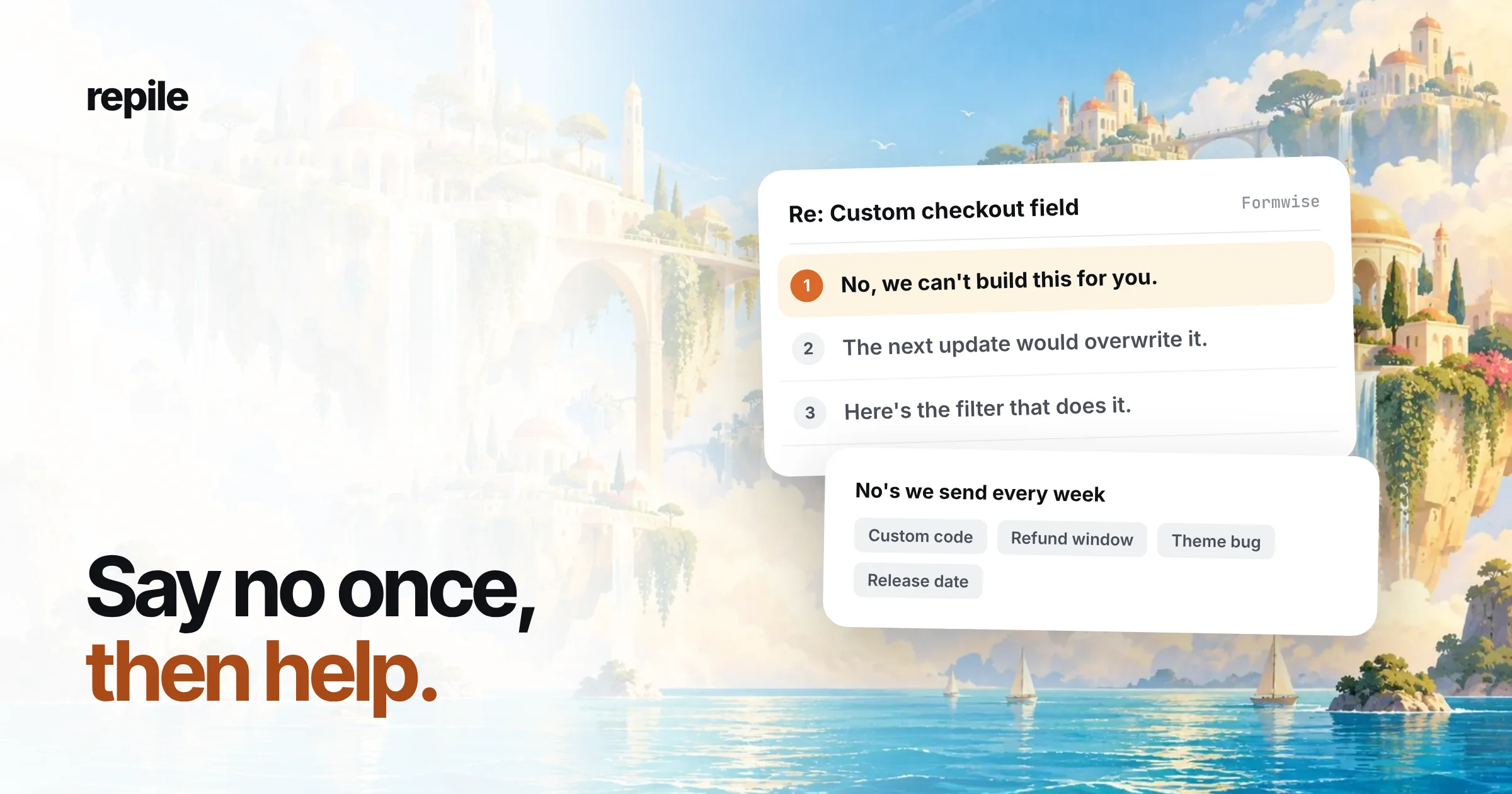
To say no to a customer, put the answer in the first line, give the real reason in one sentence, and then offer the most useful thing you can do instead. For a WordPress plugin or theme team, most no's fall into a handful of situations, and each one has a reply that keeps the customer.
Search "how to say no to a customer" and the advice is written for call centers, cleaners and landscapers. It is sound, but it does not cover the no's a plugin team sends.
Those are different. "We don't write custom code", "that's the other plugin's bug" and "we can't support that on the forum" each need their own reply.
This guide covers those, with example replies you can adapt.
Why saying no is harder in plugin support
The customer's site is often their business. When a plugin stops them taking orders, a no feels like you are leaving them stranded.
Many requests also sound small. "Just add one field" is a support question to the customer, and a permanent maintenance cost to you.
And plugin customers have a public outlet. A no handled badly can turn into a one-star review on WordPress.org, even though the forum guidelines say reviews used to leverage support may be archived.
None of this means you should say yes more. It means the no has to be clear, honest and useful.
The four parts of a good no
Every no we would be happy to send has the same shape:
- The answer, first. "We can't build this for you." Not in paragraph three, after a long thank-you.
- One true reason. A product reason, not "our policy". "A custom change would be overwritten by the next update" is a reason. "That's outside our scope" is not.
- What you can do instead. A setting, a hook, a workaround, a developer, another product. Something they can act on today.
- What happens next. Whether you logged it, whether the ticket stays open, and how to come back.
The third part does most of the work. A customer who leaves with a next step rarely feels refused.
What not to do
A few habits make a no worse than it needs to be:
- Do not stall. "Let me check with the team" when you already know the answer only delays the no and adds a second disappointment.
- Do not hide behind policy. "Unfortunately, per our policy" sounds like you are not allowed to think. Say why the policy exists.
- Do not promise a maybe. "Maybe in a future version" is heard as yes. If nothing is planned, say so.
- Do not blame another vendor. "Their plugin is badly coded" helps nobody. Say what you found and who can fix it.
- Do not apologise for the product existing. One sincere line is enough. Our post on empathy statements has wording that does not sound scripted.
Seven no's plugin teams send every week
The replies below use Formwise, an example form plugin, and Dana Whitfield at Northwind Bakery. The wording is an example to adapt, not a script to paste.
1. Custom code
The most common no. The customer wants a change that only their site needs.
Hi Dana,

We can't write custom code for individual sites, because the next
Formwise update would overwrite it and leave your form broken.

What we can do: Formwise has filters for adding fields, and our
developer docs show an example close to what you need. If you'd
rather not touch code, a WordPress developer could do this in an
hour or two using that example.

If more customers ask for the same field, we'll consider it for
the plugin itself. I've noted your request.
2. A feature you will not build
Say no only when the answer is really no. If it is "not now", say that instead, and log it properly with a feature request template.
Hi Dana,

We're not going to add a booking calendar to Formwise. It's a
different kind of product, and we'd rather keep forms fast and
simple than do both badly.

For pickup times, a dedicated booking plugin will serve you much
better. Formwise can still collect the order details on the same
page.
3. The bug is in another plugin or the theme
This is a no to "please fix it". It should still come with everything you found, so the customer can take it straight to the right team.
Hi Dana,

We've looked into this, and the cause is in your theme, not in
Formwise: the theme's script stops the submit button on the
checkout page. We can't change another vendor's code, but here is
exactly what to send them:

- Theme version and the page URL
- The error from the browser console (pasted below)
- That it stops when you switch to a default theme on a copy

If they'd like to talk to us about it, we're happy to.
4. A refund outside the window
Be plain about the window, and look for what is still possible. Only offer what your refund terms actually allow.
Hi Dana,

Your purchase was four months ago, and our refund window is 30
days, so we can't refund it.

If the plugin isn't doing what you need, tell me what you're
trying to set up. If it turns out to be a bug on our side, that's
a different conversation, and we'll treat it as one.
5. An expired license
Customers often do not realise support ends with the license. Tell them what still works and what it costs to continue.
Hi Dana,

Your Formwise license expired in August, so this request falls
outside support and updates. The plugin keeps working on your site.

To get help with this and receive new releases, you can renew
from your account page. Once renewed, reply here and we'll pick
it up straight away.
6. Premium questions on the WordPress.org forum
The WordPress.org forum guidelines send commercial plugin users to the vendor's own support channel. They also do not allow asking for login details there.
Hi @northwindbakery,

The WordPress.org guidelines don't let us support the Pro version
here, so please open a ticket on our site and we'll answer it
there. Mention this topic so we don't ask you to repeat yourself.

If the same problem happens with the free version, reply here
with the steps and we'll keep going in this thread.
7. A release date you cannot promise
A date is a promise. If you are not sure, give the customer what you do know and a way to hear when it ships.
Hi Dana,

The fix for the Safari problem is in testing, but I can't give
you a release date yet, and I don't want to give you one we miss.

Until then, the form works in Chrome and Firefox. I've linked this
ticket to the fix, so you'll hear from us the day it's out.
How to say no to a customer who pushes back
Some customers reply to a no with the same request, louder. Restate the answer once, kindly, with the same reason.
Do not renegotiate in the thread. If the customer has a point you missed, hand the ticket to your support lead rather than bending the rule mid-conversation.
When a customer becomes abusive, it is fine to end the conversation. Say so once, calmly, and close the ticket.
Should a no be a canned response?
Template the structure, not the words. A saved reply for "expired license" is useful, but it still needs the customer's version and what they asked.
Our canned response examples include a few no's written that way.
Write your no's down
Most bad no's come from inconsistency. One person on the team says yes to custom code, the next says no, and customers learn to ask again.
Agree on a short list as a team: what you never do, what you do for a fee, and what a lead can approve. Put it where everyone answering tickets can see it.
Where Repile fits
Repile is not a helpdesk. It works on tickets inside FreeScout, Help Scout, your WordPress.org forum and GitHub, and it leaves the decision about what to refuse to your team.
You can write your no's into a project's instructions. "Never promise release dates" is exactly the kind of rule the Projects docs describe, and Repile follows it on every ticket in that project.
When a ticket arrives, Repile triages it and, when it needs to, reads your plugin's code for the release the customer has installed. That tells you whether the cause is your bug, their theme or another plugin, so a "that's not us" comes with evidence.
It then leaves an internal note and a reply draft in the ticket. A person on your team reads the draft, changes what needs changing, and presses send.
See how it fits a plugin company or a theme company, or compare the plans.