
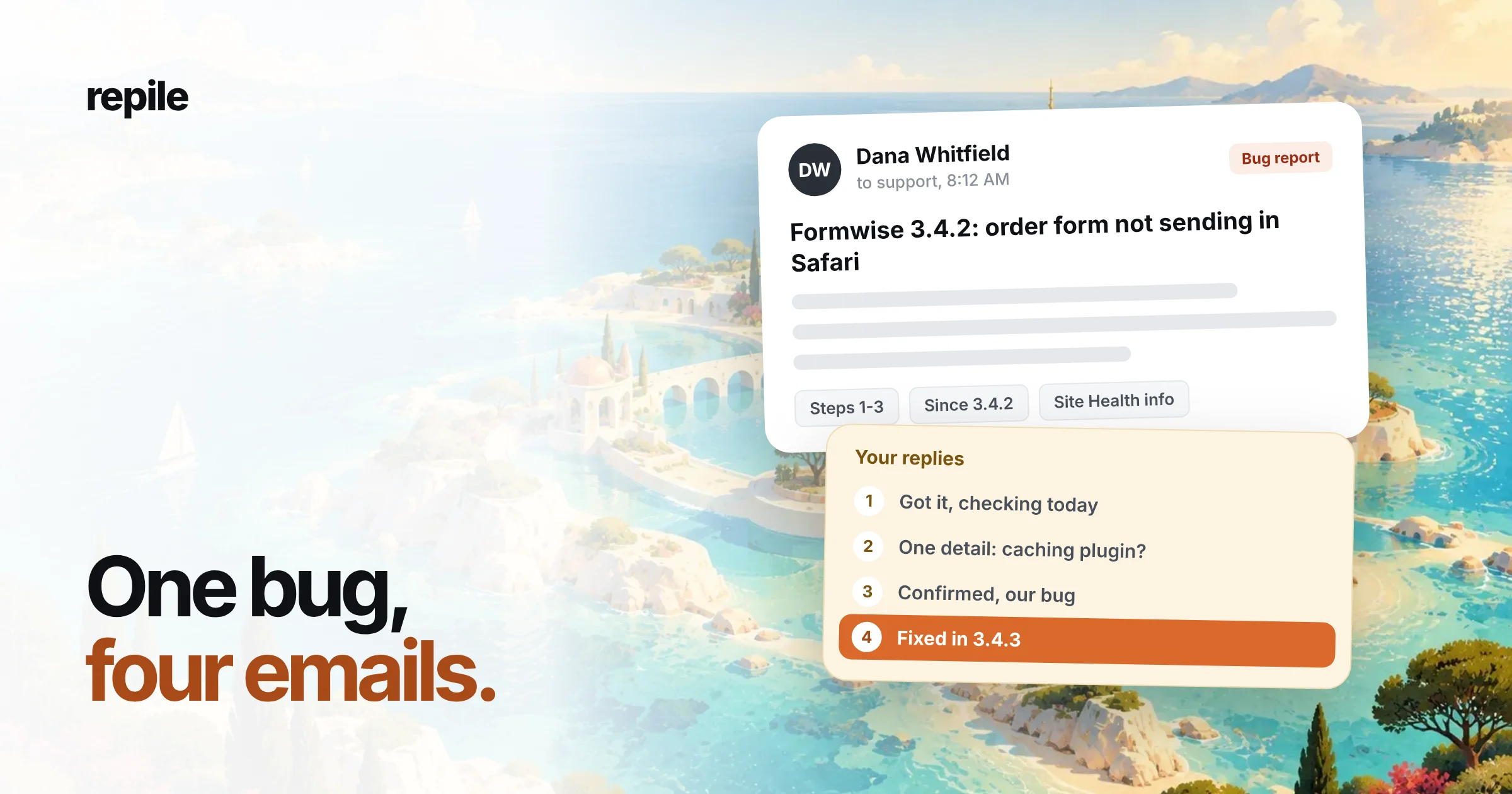
A bug report email tells a product team that something is broken: what the sender did, what happened instead, what they expected, and which versions they run. For a WordPress plugin or theme team, it is also the first message in a thread of four replies you will write before the bug is closed.
This post covers both sides. What a useful bug report email from a customer looks like, a template you can send them, and the replies your team sends back.
What is a bug report email?
It is a bug report sent as an email instead of through a form or an issue tracker. Many open-source projects accept them at a fixed address, and most plugin customers send one without knowing it has a name.
When Dana Whitfield writes to your support address that the Formwise order form stopped working, that is a bug report email. Whether it is a good one decides how long the ticket takes.
Dana, Northwind Bakery, Formwise 3.4.2 and ticket #412 are our usual example data.
What a good bug report email includes
The guides that rank for this phrase are written for software testers and open-source mailing lists. A plugin customer runs a shop or a membership site, so the useful version is shorter and asks for different facts.
A good bug report email about a WordPress plugin has six parts:
- A subject line that names the plugin, the version and the symptom. "Formwise 3.4.2: order form not sending in Safari" is searchable. "Help!!" is not.
- What they were trying to do. One sentence, in their words.
- What happened instead. An error message, a blank page, a spinning button or an email that never arrived.
- The steps, starting from a page you can open. With the page address if the site is public.
- When it started. After an update, a new plugin or a theme change.
- The site details. WordPress has a built-in list of them under Tools, Site Health, Info.
That is enough to start. Severity, priority and build numbers are your team's job, not the customer's.
A bug report email template for your customers
Most customers will write a better email if you tell them what to put in it. Link this from your contact page, or paste it into the auto-reply your helpdesk sends.
Subject: [Plugin name] [version]: [what is broken]

Hi,

What I was trying to do:
(Example: submit the order form on our Contact page.)

What happened instead:
(Example: the button spins and nothing is sent.)

Steps, starting from a page you can open:
1.
2.
3.

When it started:
(After an update? A new plugin? A theme change?)

My site details:
(Tools > Site Health > Info > "Copy site info to
clipboard", then paste here.)

A screenshot or short recording, if you have one.
If you would rather collect the same facts with a form, our bug report template has a form version and a separate template for your developers.
Example: a bug report email worth answering
Here is what Dana's email looks like when she has the template in front of her.
Subject: Formwise 3.4.2: order form not sending in Safari

Hi,

What I was trying to do: take an order through the
form on our Order page.

What happened instead: in Safari, the Submit button
does nothing. No error. It works in Chrome.

Steps:
1. Open northwindbakery.example/order in Safari.
2. Fill in the form.
3. Click Submit.

When it started: the morning after we updated
Formwise to 3.4.2.

Site details: (pasted from Site Health)

Dana Whitfield
Northwind Bakery
Every line saves a reply. The version, the browser and "after we updated" already point to one release and one part of the plugin.
How to reply to a bug report email
A bug report email starts a thread, and the customer judges you on every message in it. On a plugin team, the replies usually come in four kinds.
1. The first reply: received, and what happens next
Send it fast, and make it say something true. "We're looking into it" with no next step reads like an auto-reply.
Hi Dana,

Thanks, this is a clear report. The version and the
Safari detail help a lot.

We're trying it on 3.4.2 in Safari today, and I'll
write back by tomorrow with what we find.
Our post on first response time covers why a fast reply only helps when it moves the ticket.
2. When one detail is missing
Ask for the one thing you need, and say why. A list of ten questions gets half of them answered.
Hi Dana,

One thing would help us find this: is any caching or
optimization plugin active on the site? Some of them
change how scripts load in Safari.

A plugin name is enough. You don't need to change
anything yet.
3. When you have confirmed the bug
Say it is yours, say what to do in the meantime, and do not promise a date you do not control.
Hi Dana,

We reproduced it. In Safari, the Formwise 3.4.2 order
form doesn't submit. That's our bug, not your site.

Until the fix is out, the form works in Chrome and
Firefox, or you can roll back to 3.4.1.

The fix is planned for 3.4.3, and I'll write to you
the day it is released.
4. When the fix ships
This is the email most teams forget. Send it to everyone who reported the bug, not just the last person.
Hi Dana,

Formwise 3.4.3 is out, and it fixes the Safari order
form you reported in ticket #412.

Update from Plugins in your dashboard, then try an
order in Safari. If anything still looks wrong, reply
here and it comes straight back to me.
To find everyone who should get it, link the tickets to one another when they arrive. Our posts on duplicate tickets and ticket tagging show two ways to do that.
Sending a bug report email to your developers
Some small plugin teams have no issue tracker, and support emails the developer directly. If that is you, write the email so the developer never has to open the ticket.
Subject: Bug: Formwise 3.4.2, order form does not submit
in Safari

Version: 3.4.2 (works in 3.4.1)
Browser: Safari. Chrome and Firefox work.
Steps:
1. Add a Formwise form to a page.
2. Open the page in Safari and submit.
3. Nothing happens. No error.

Reproduced by: support, on a copy of the customer's site
Customers: 1 so far (ticket #412)
Workaround given: use Chrome, or roll back to 3.4.1
Leave out the customer's name, email and site address. The developer needs the steps, not the person.
Once a team has more than one developer, move bug reports into GitHub issues or another tracker. Emails get lost in inboxes, and an issue has a status everyone can see.
Our post on ticket escalation covers when a ticket is ready for that.
Should customers send bug reports by email?
For most plugin teams, yes. A customer who emails your support address lands in your helpdesk, where the report has a ticket number, a history and a status.
Three exceptions are worth writing on your contact page:
- Security reports. Give them a private address or form, and ask reporters not to post the details anywhere public.
- The WordPress.org forum. Free users report bugs in the plugin's public forum. Answer them there, and keep private details out of the thread.
- Bugs in someone else's plugin. If the cause is another plugin, tell the customer and point them to its author.
Common mistakes with bug report emails
- Asking for everything at once. Ask for what you need for the next step, and nothing else.
- A first reply that says nothing. "We have received your request" is what the auto-reply already said.
- Saying "can't reproduce" and stopping. Say what you tried, on which version, and ask for the one detail that differs.
- Forwarding the whole thread to a developer. Send the steps and the versions. Link the ticket for the rest.
- Never sending the "fixed" email. The customer who reported the bug is the one most likely to check whether you fixed it.
Where Repile fits
Repile does not send emails, and it is not a helpdesk. It works inside Help Scout, FreeScout, the WordPress.org forums and GitHub, so a bug report email that reaches your support mailbox is where it starts.
It sorts the ticket as a real bug, a setup question or a duplicate. It copies the customer's site into a private sandbox with the same WordPress version, PHP version, theme and plugins, then triggers the failure itself.
It reads your plugin's code for the release the customer runs. The result is an internal note and a reply draft in your helpdesk, and a person presses send (notes and drafts).
When it is your bug, it can file the GitHub issue with the steps, after searching for one that already exists. By default it asks before it files anything.
See how it fits a plugin company or a theme company, or compare the plans on the pricing page.